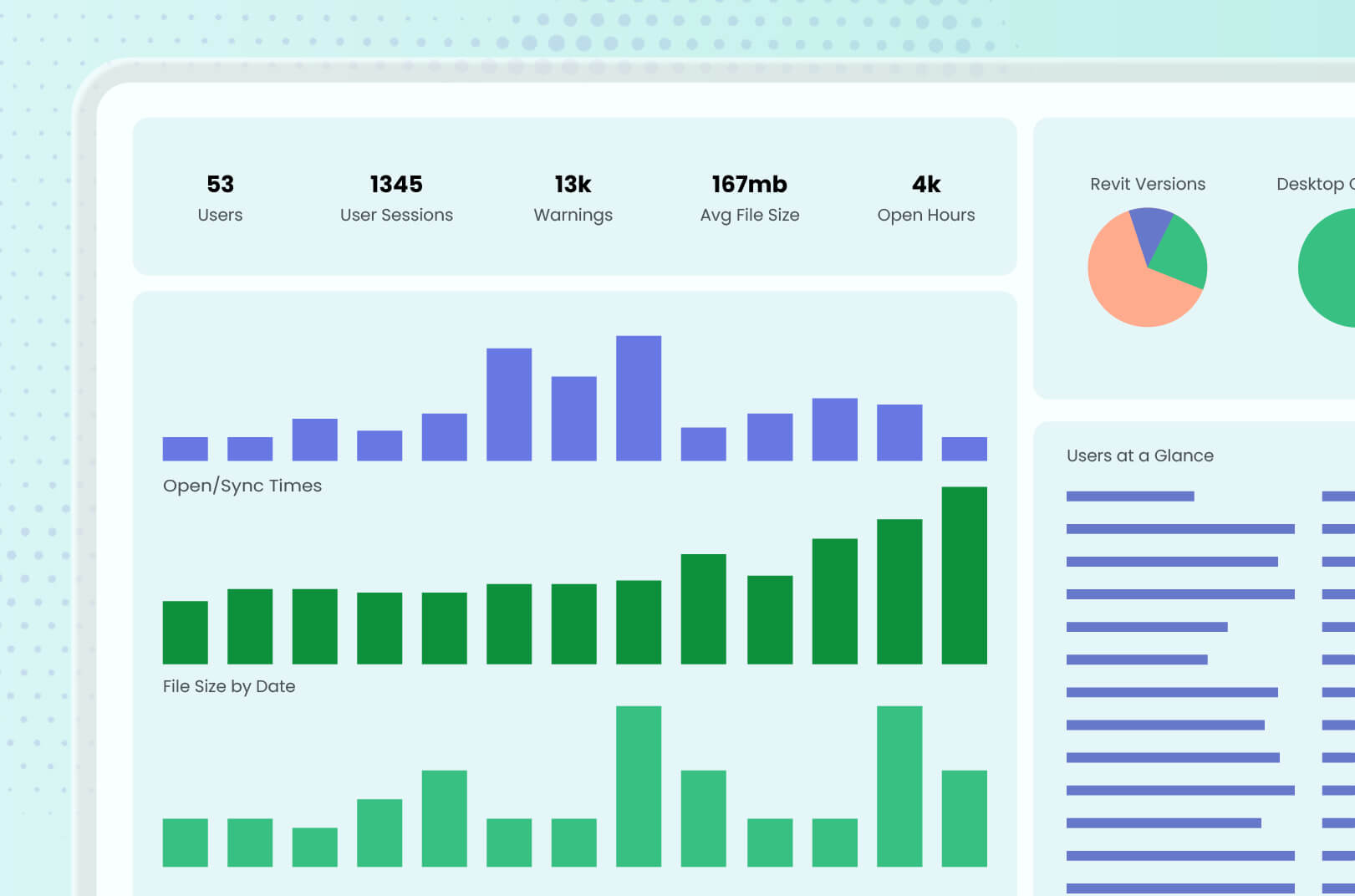
Revit models aren’t designed to easily give up their data, often forcing BIM managers to open files one by one to find the information they need. Guardian solves this with Registered Projects and Project Central, providing centralized visibility into project activity, model performance, and key trends without even opening a Revit model. That means less time searching for answers and more time acting on them.
Revit activity data should be easier to access but it isn’t, leaving BIM managers to rely on manual audits to find trends and issues, and that isn’t always successful. Guardian Backstage provides the information firms need to truly see what’s happening in the model.
Forget about the vanity metrics that don’t offer insight that drives real model and team performance. Guardian delivers 360-degree visibility into the BIM data that makes or breaks your model — and your deadlines.
"Efficiency debt," the hidden rework, corrections, and cleanup that silently pile up during a Revit project, can turn a manageable 20% inefficiency into nearly 40% more work than planned, quietly eating into project profit and team capacity.
Duplicate families can spread like wildfire in a project, and Revit isn’t shy about fanning the flames. Guardian finds and extinguishes the problem so you don’t have to.
Revit automation holds so much promise, but too much, too soon can work against BIM managers trying to achieve better efficiency. We’ve detailed four key areas to first apply automation that won’t overwhelm you but can make an immediate impact.
Trying to rein in Revit standards among all the offices in your firm can feel like an exercise in futility. Each office may have its own best practices, client preferences, and local requirements. Start with a single source of truth (which Guardian can help establish) and expand the collaboration from there.
Revit standards libraries inevitably drift, but that doesn’t mean firms should let their libraries become helplessly cluttered. Guardian’s Content Car Wash offers a blueprint for cleaning up libraries and improving quality, efficiency, and results.
Revit graphical standards drift is frustrating for BIM managers whose teams are doing everything right. But drift can be avoided, with the help of Guardian’s Model Properties.
Inconsistent project data slows down Revit teams and perplexes BIM managers. Through standardization and normalization — with an assist from automation — firms can improve the quality of data within Revit and deliver higher-quality work at scale.
Documented standards and well-meaning end-users aren’t enough to ensure Revit project consistency. In-the-moment protections help prevent projects from going sideways and train users on best practices.
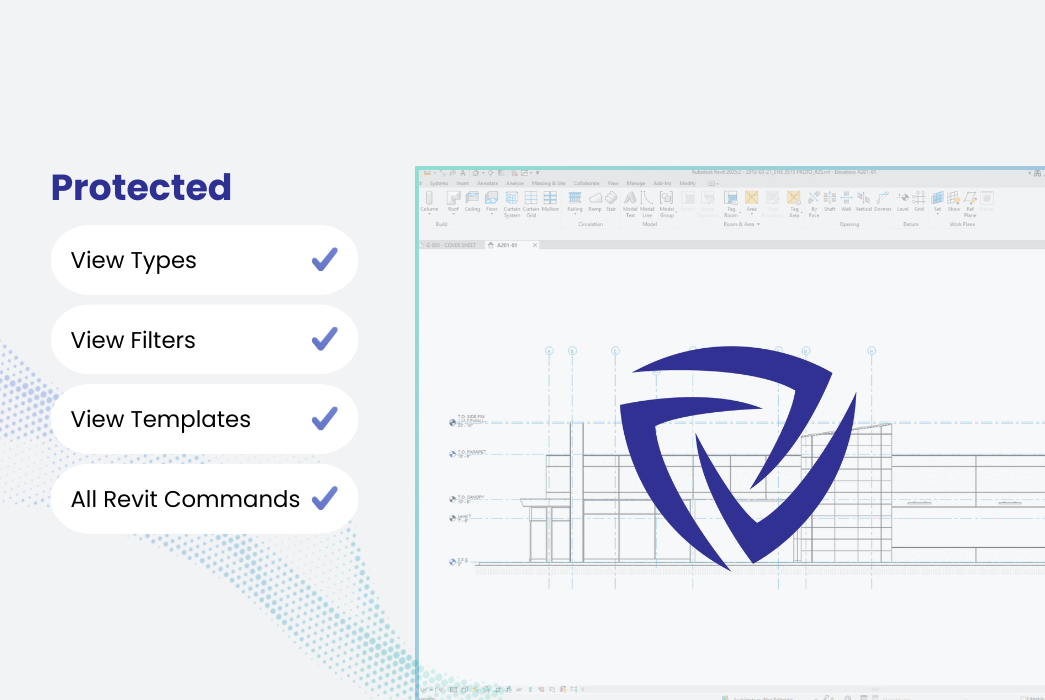
Nothing is more frustrating than a Revit model that went awry because of an accidental deletion or shift of critical elements. Knowing how to protect critical elements can save a lot of time and frustration.
Too often, QA/QC focuses on Revit and BIM standards and overlooks the deeper, riskier problems. Automation can help firms manage standards before review so that BIM managers can devote their time and effort on the bigger picture.
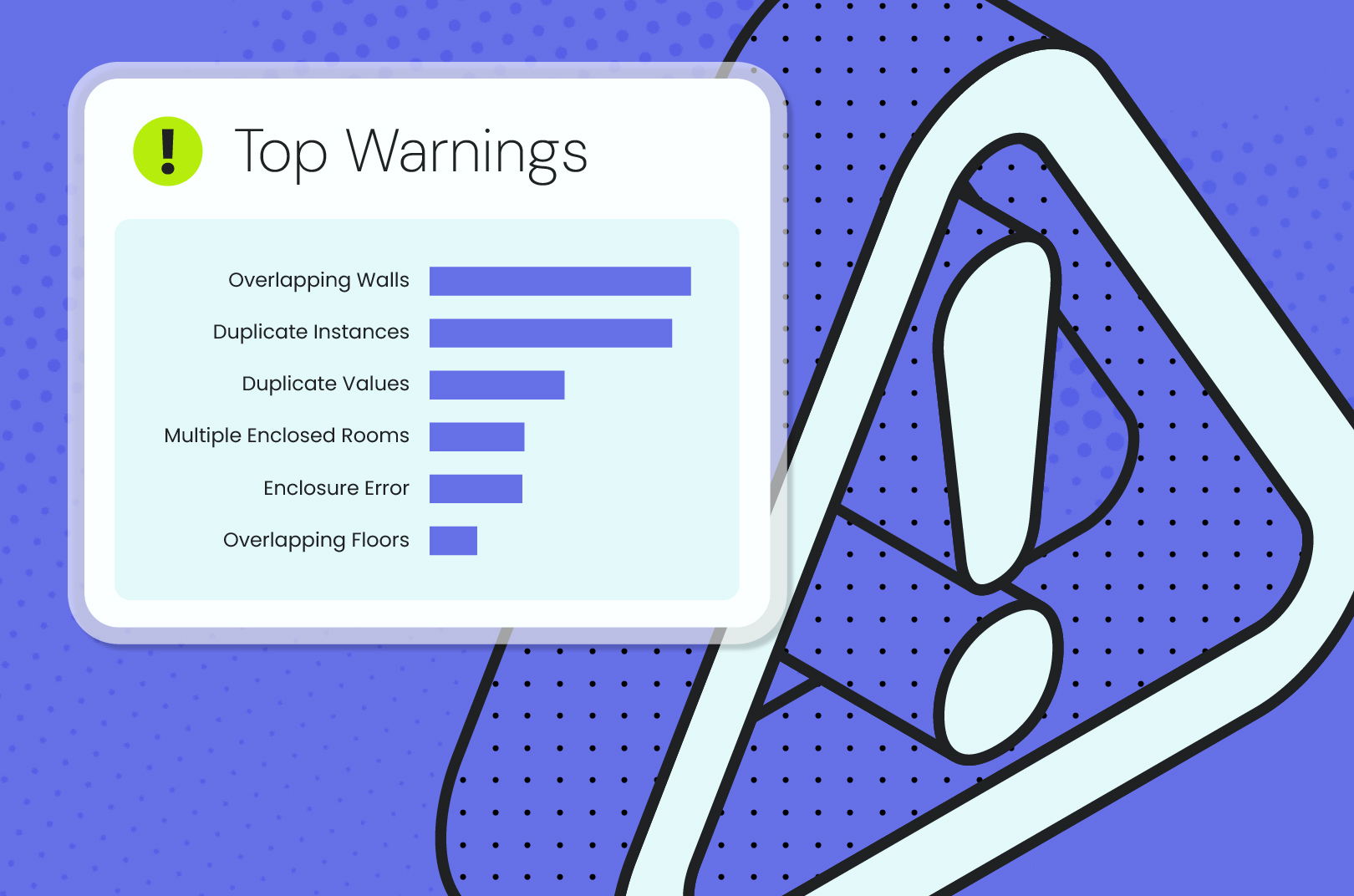
All those Revit warnings that pile up might be more than just noise — they could be a sign of trouble with your model. Managing common Revit warnings improves model health, informs process, protects deadlines, and saves time.
This latest version unlocks a new generation of Revit project protections, gives administrators and leadership greater access to data about their projects, and simplifies the Revit management experience for all users.







.jpg)