These firms and more rely on Guardian for Revit to reach their full BIM management potential.

Company logo
Company logo
Company logo
Company logo
Company logo
Company logo
Company logo
Company logo
Company logo
Company logo
Company logo
Company logo
Company logo
Company logo
Company logo
Company logo
Company logo
Company logo
Company logo
Company logo
Company logo
Company logo
Company logo
Company logo
Company logo
Company logo
Company logo
Company logo
Why Designers Love Guardian

No Mess, No Stress, Thanks to Revit Productivity Tools

Guardian acts as a trusted friend and mentor to designers, guiding them to Revit best practices and firm and project standards.


Repelling Rework

Project Protections catch issues in the moment — before they become something more serious — so that designers spend less time fixing problems.

Fewer Distractions

With Guardian’s Revit productivity tools running quietly in the background, designers aren’t interrupting their processes to perform manual QA.

Clear Expectations

Guardian automatically applies firm and project best practices and standards, giving designers peace of mind that inadvertent deviations won’t sneak into the model.

As a smaller office, my time as an architect is split between projects and BIM management. Guardian helps tremendously in taking the sins of bad modeling out of my realm of concern. While also ensuring adherence to company standards with the checking and syncing of cloud-based property settings. This gives us a consistent deliverable across projects and cuts down significant QA/QC time. The ROI is well worth it.

Gordon McKenzie headshot
Gordon McKenzie
Project Architect

Once set up, it is an incredibly easy software to maintain with little required input. Guardian has significantly helped us to clean up our models, families and practices. We LOVE it!

John Schupbach
John Schupbach
Architectural Associate

At this point, Guardian is a no-brainer!

Dustin Foth
Dustin Foth
Designer
Confident Execution

Embrace Revit

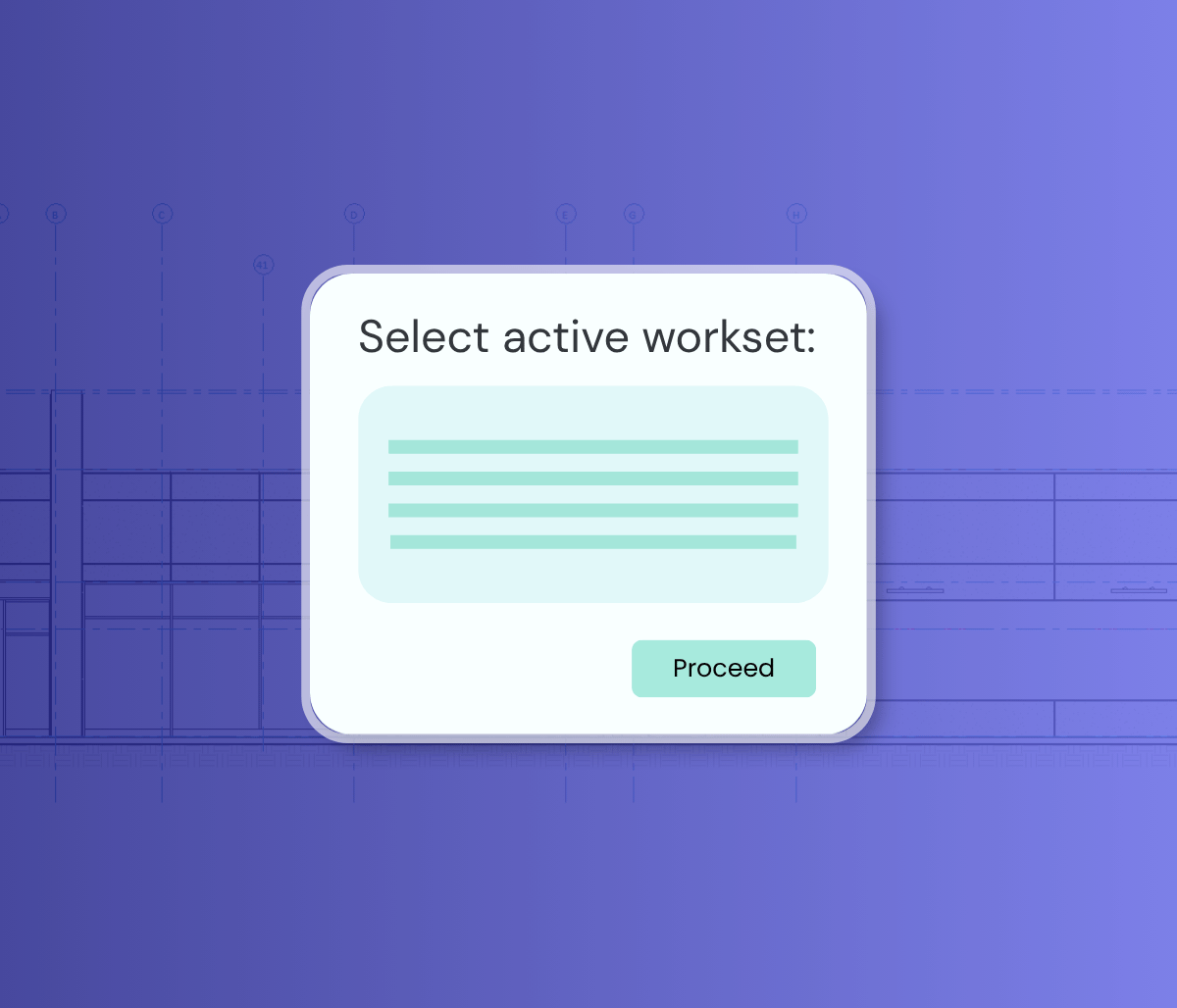
Designers may tiptoe around Revit simply because they’re afraid of misapplying a firm standard or making a minor adjustment that adds chaos to the model. Guardian features such as Workset Configurations and User Commands put designers at ease by automatically addressing potential issues while providing valuable in-the-moment training.
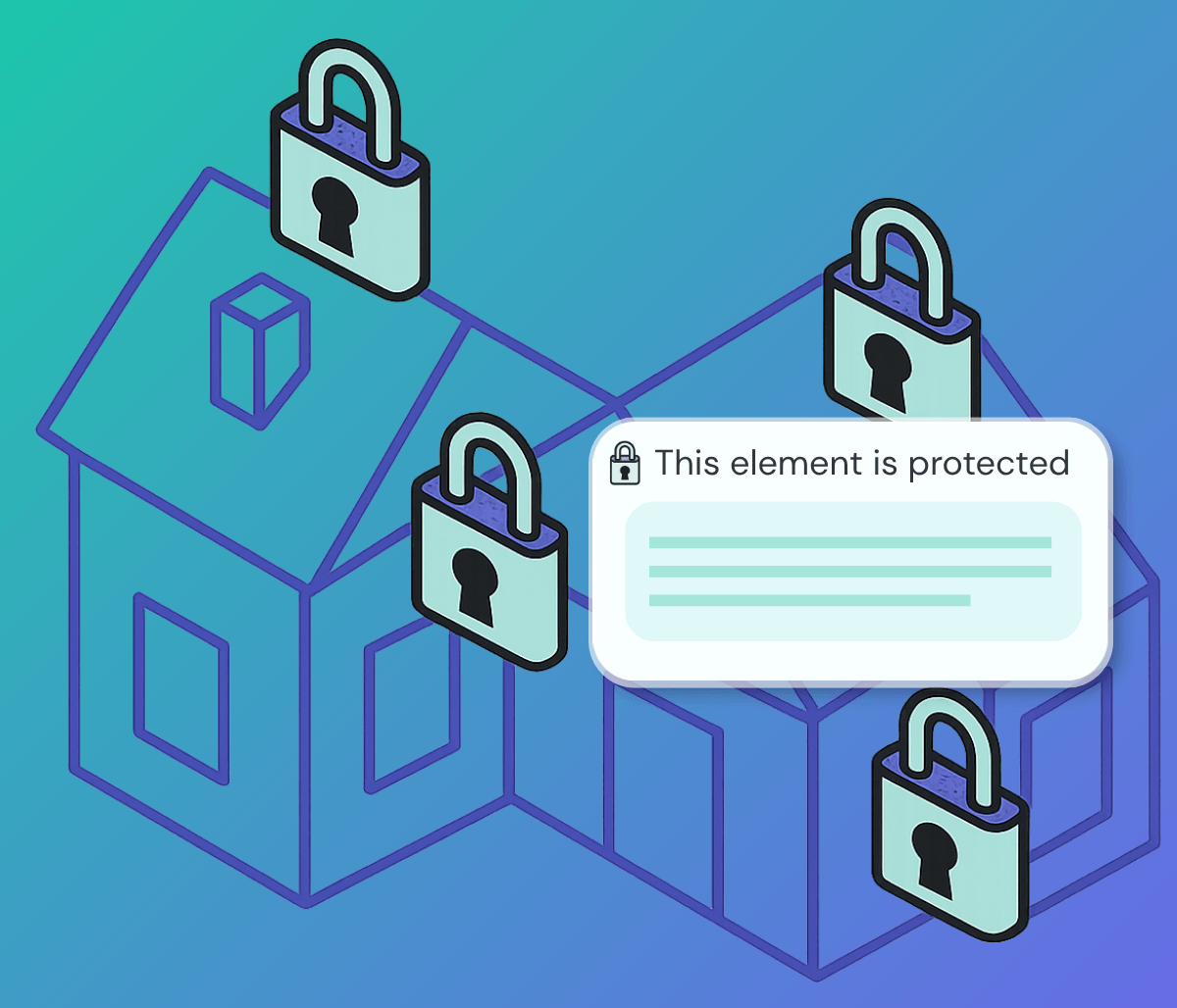
This element is protected message
Prompt to choose an active workset in Revit
Game-Changing Automation

Priortize Design, Avoid Revit Rework

Guardian’s automations, including our popular Auto Merging of Duplicate Families tool, reduce the time spent looking for the correct content or manually cleaning up the model. Designers can keep their attention devoted to what they do best: design.

Consistency Across Projects

Coordinate Smoothly with Teams and Clients

Standards and best practices often vary across projects, which can be daunting for designers who strive to maintain consistency in Revit. Guardian keeps users up to date no matter the team, project, or client, saving time and preventing unintentional errors.
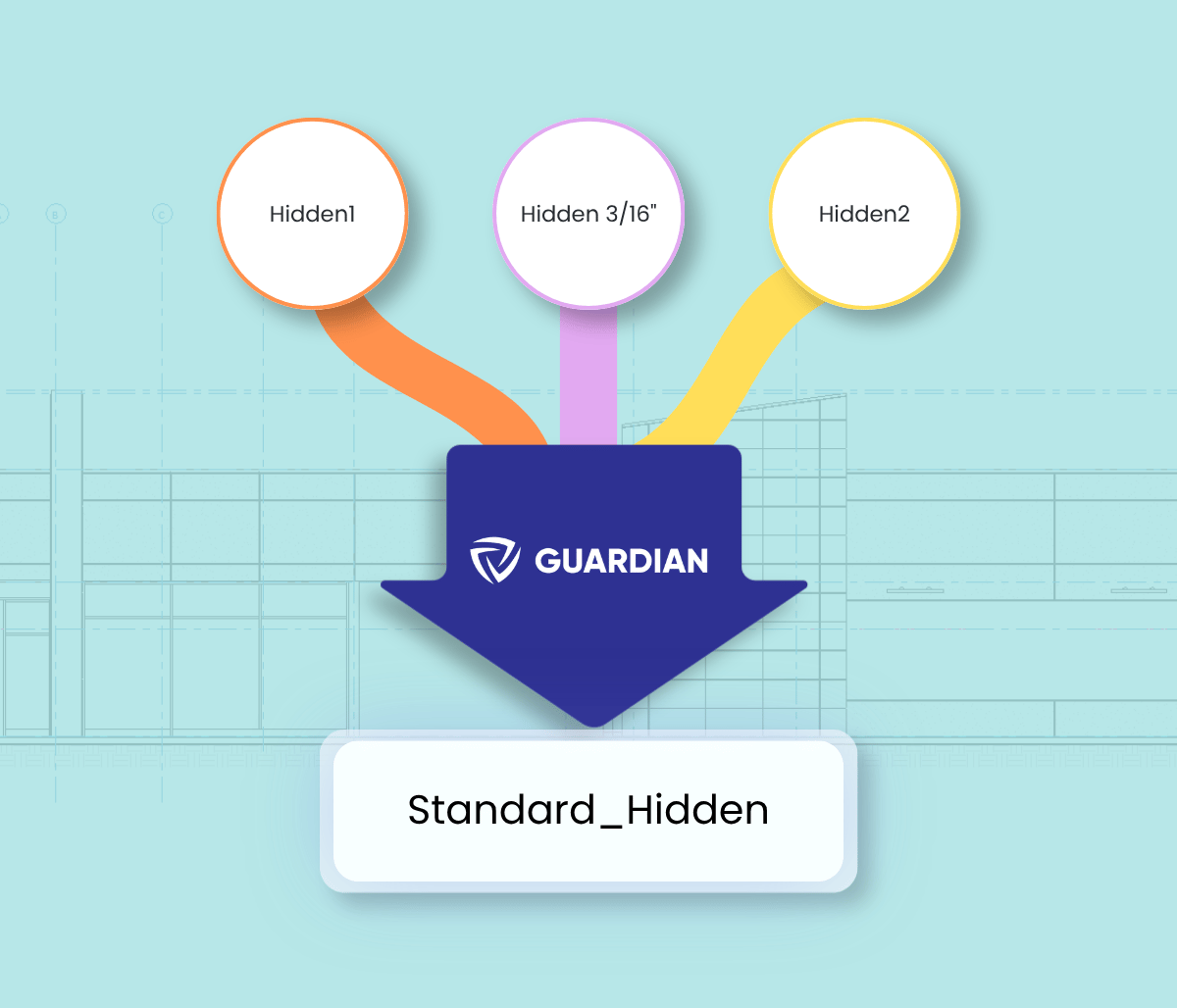
Three different line names funneling through Guardian to be renamed as the standard

Additional Benefits for Designers

Latest Posts

Designer Insights

Guardian tips, guides, industry best practices, and news.

Young professional looking at computer holding a pencil

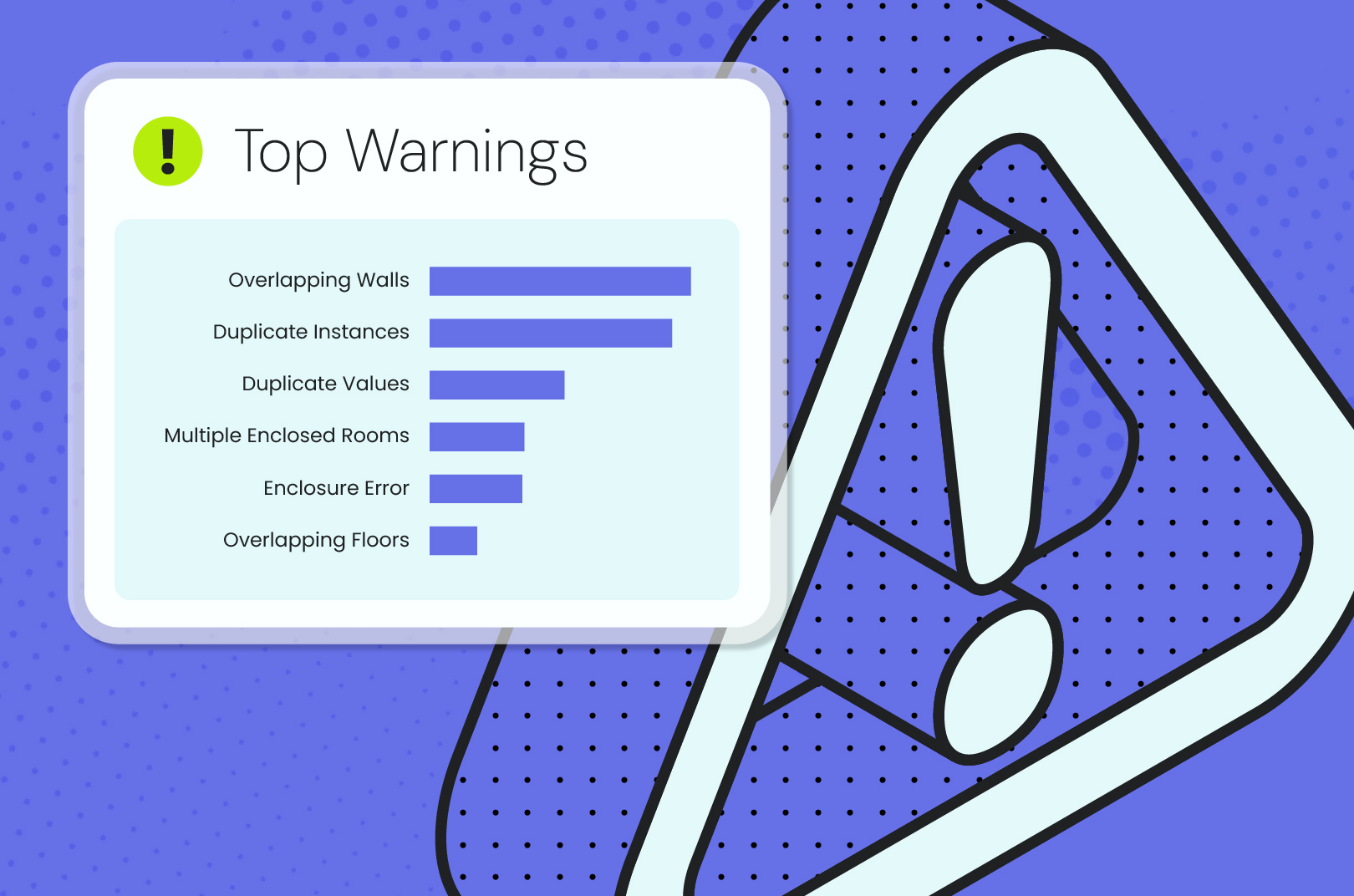
Revit Warnings Aren’t Noise — They’re Early Signs of Trouble

Managing common Revit warnings improves model health, informs process, protects deadlines, and saves time.
Read post
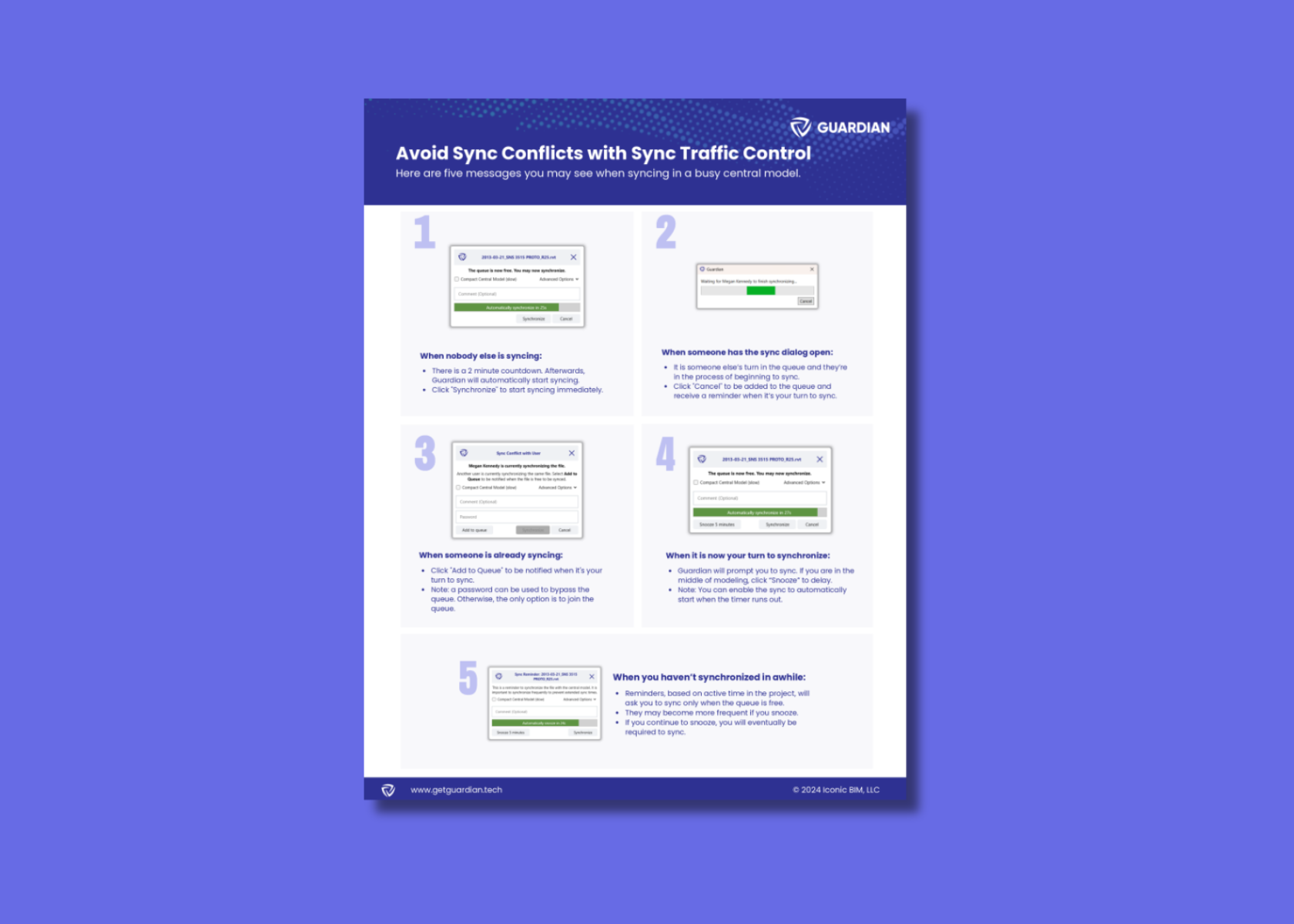
Sync Traffic Control User Guide

Avoid Sync Conflicts with Sync Traffic Control

Syncing in a busy central model? Here are five messages you may see when syncing in a busy central model.
Download one-pager
Top warnings

5 Common Revit Mistakes That Quietly Waste Hours Every Week

Discover the hidden Revit mistakes wasting your team’s time every week — and how to stop rework before it starts.
Read post

Start Your Free 30-Day Trial

Discover everything Guardian can do for your firm.

Guardian graphic