These firms and more rely on Guardian for Revit to reach their full BIM management potential.

Company logo
Company logo
Company logo
Company logo
Company logo
Company logo
Company logo
Company logo
Company logo
Company logo
Company logo
Company logo
Company logo
Company logo
Company logo
Company logo
Company logo
Company logo
Company logo
Company logo
Company logo
Company logo
Company logo
Company logo
Company logo
Company logo
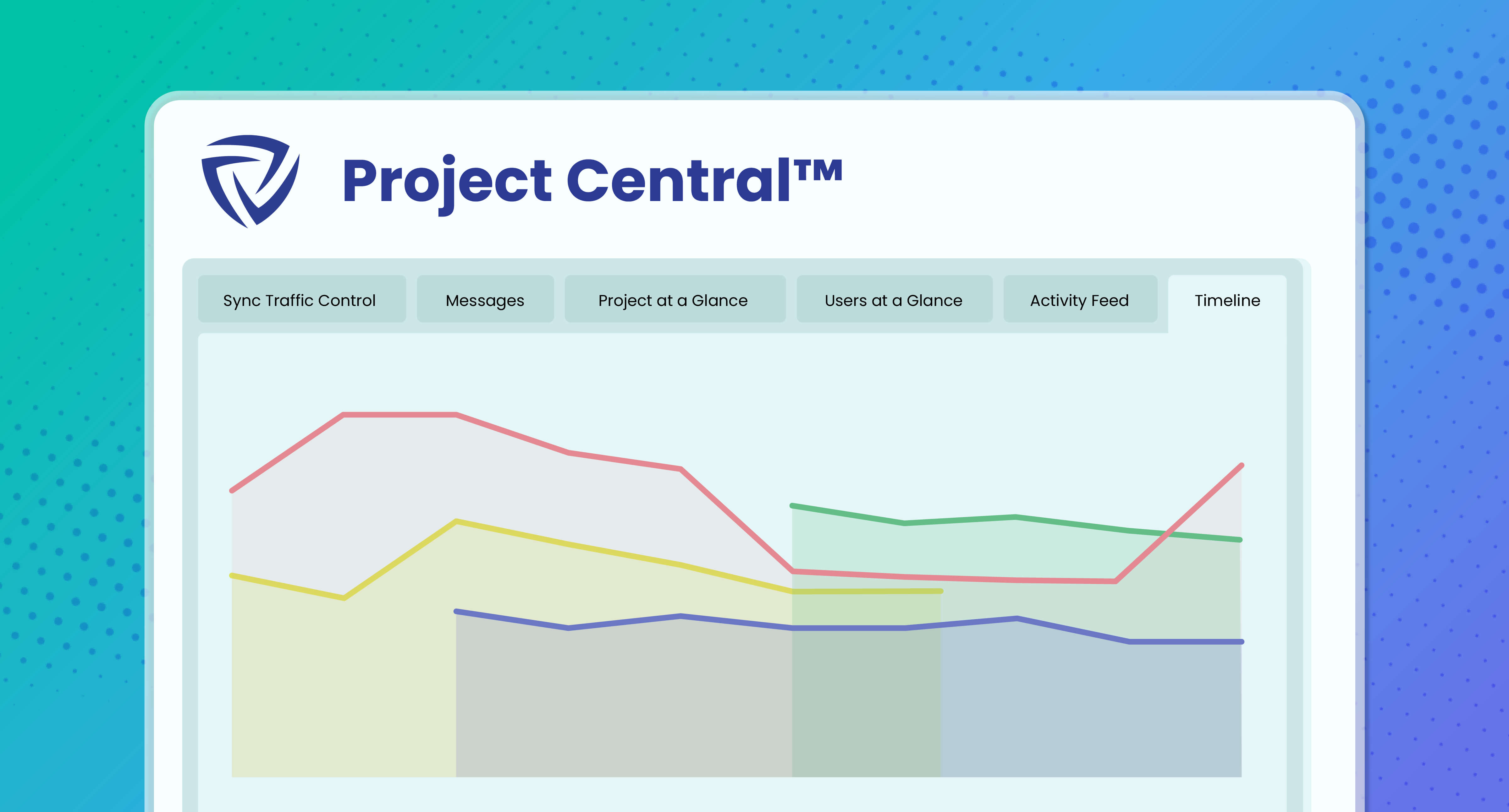
Project Central timeline
What Is Project Central?

Data That Delivers

Build and refine strategy by accessing model data and end-user metrics directly through in-Revit dashboards.

Use Cases

Dynamic Dashboards, Detailed Data

There’s a lot of model information in your Revit projects primed to guide your BIM strategy. Project Central brings this intelligence front and center.
Projects at a Glance

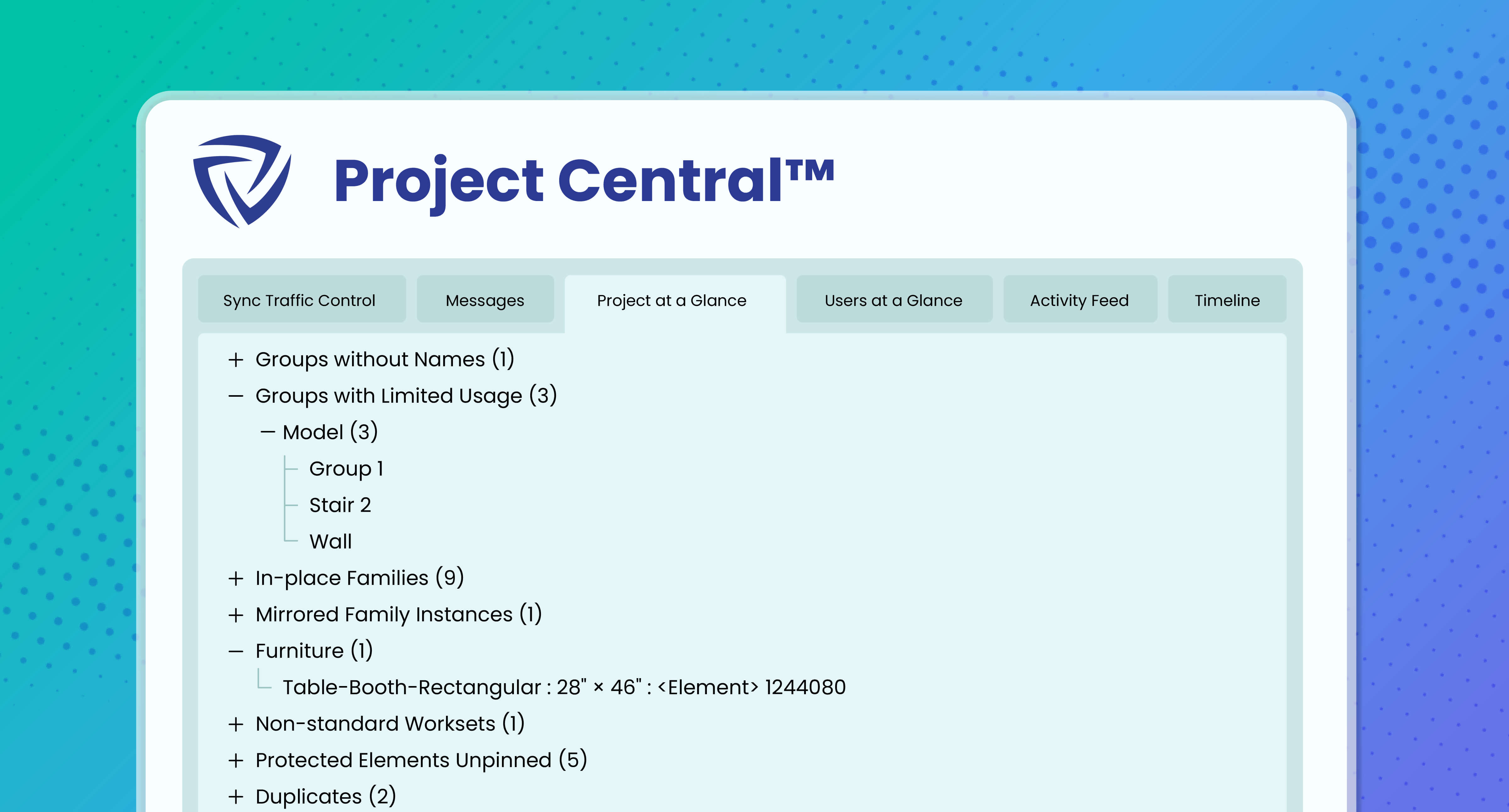
Get a quick view of all elements that users have brought into the model, including the elements that are causing conflicts.

Users at a Glance

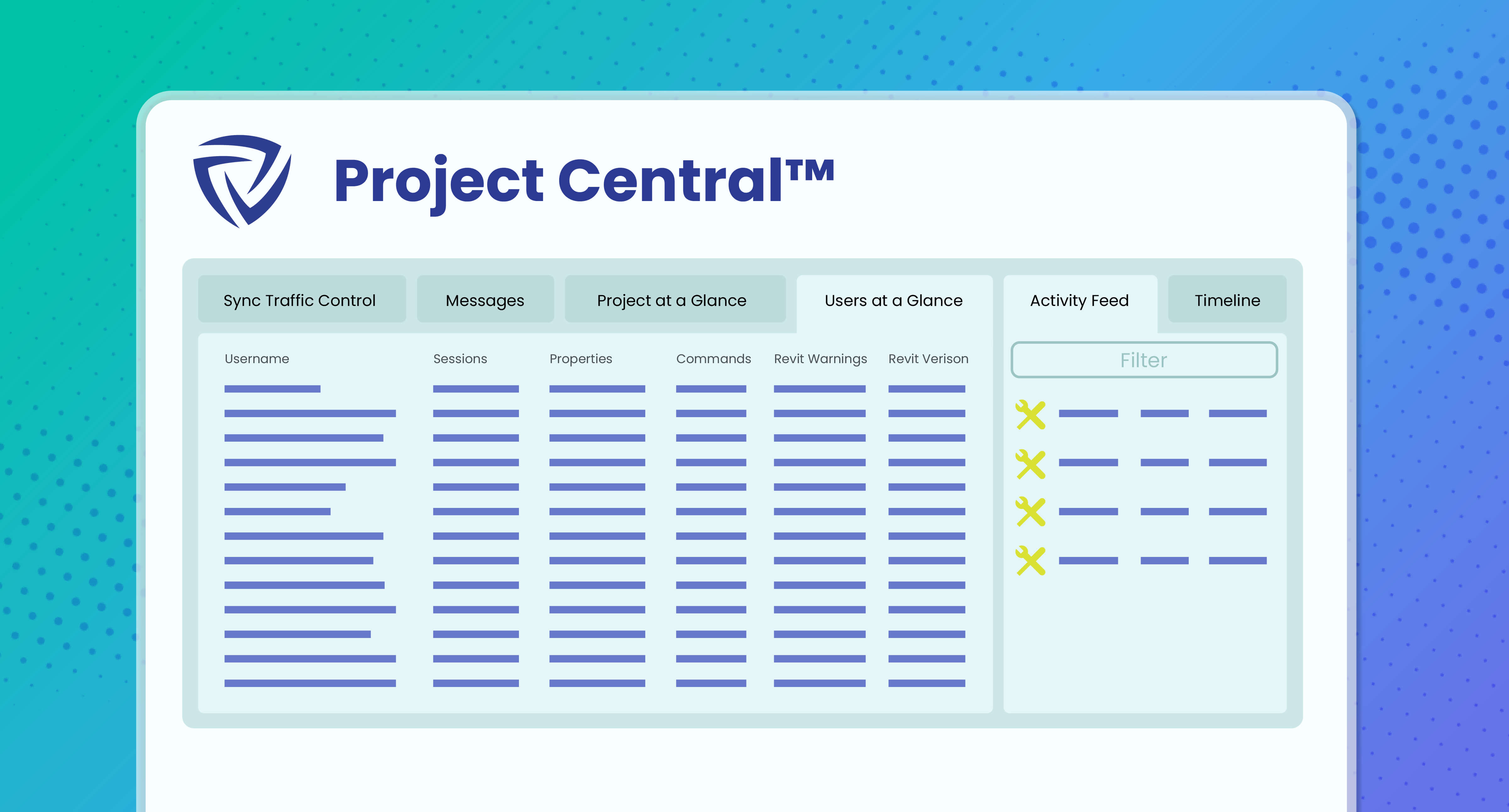
See who is in the model and how long they’ve been there, as well as which versions of Revit, Guardian, and Desktop Connector they are working from.

Timeline

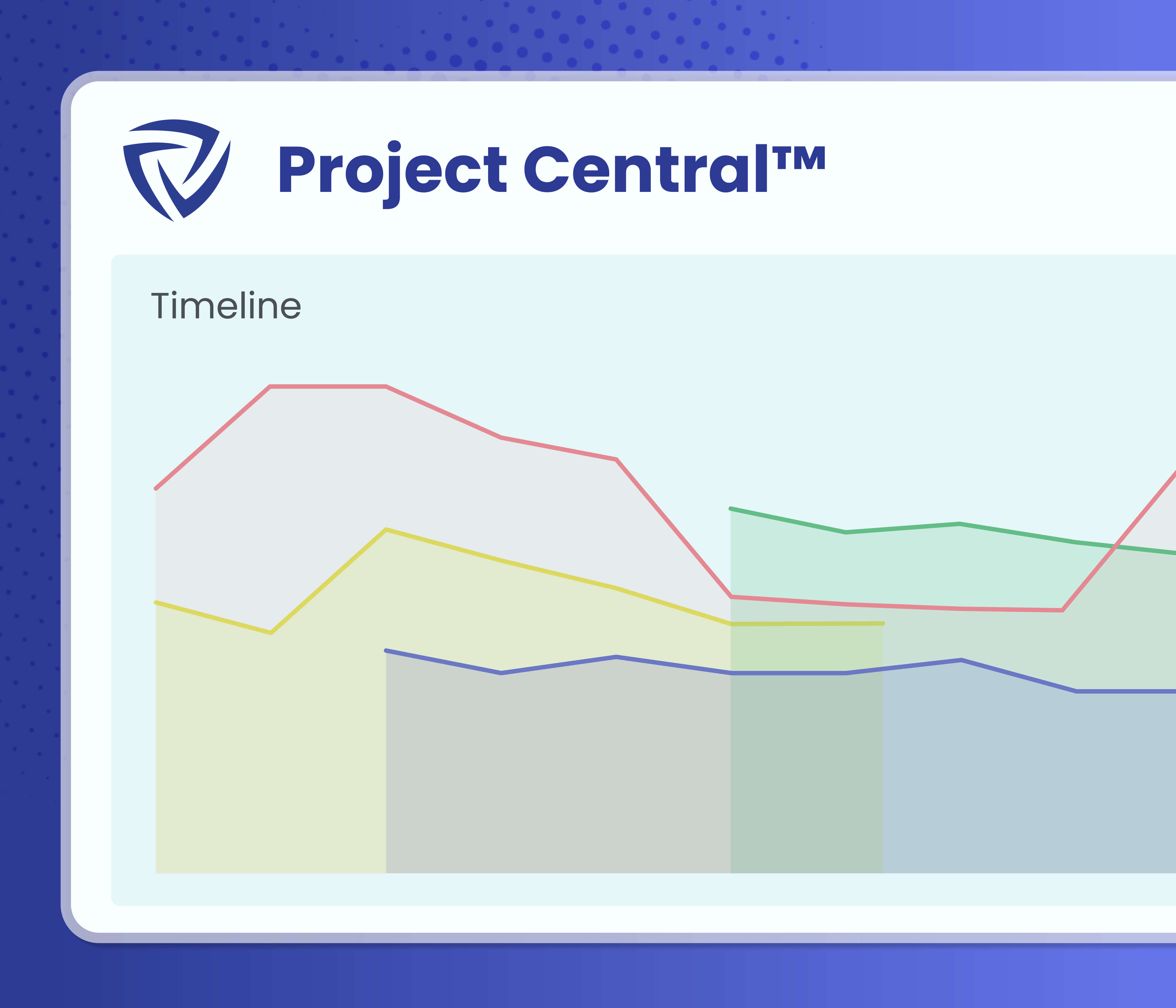
View data such as file size, time to open, time to sync, warning trends, and more from filterable dashboards.

Powerful, Versatile Features

Dashboard mockup
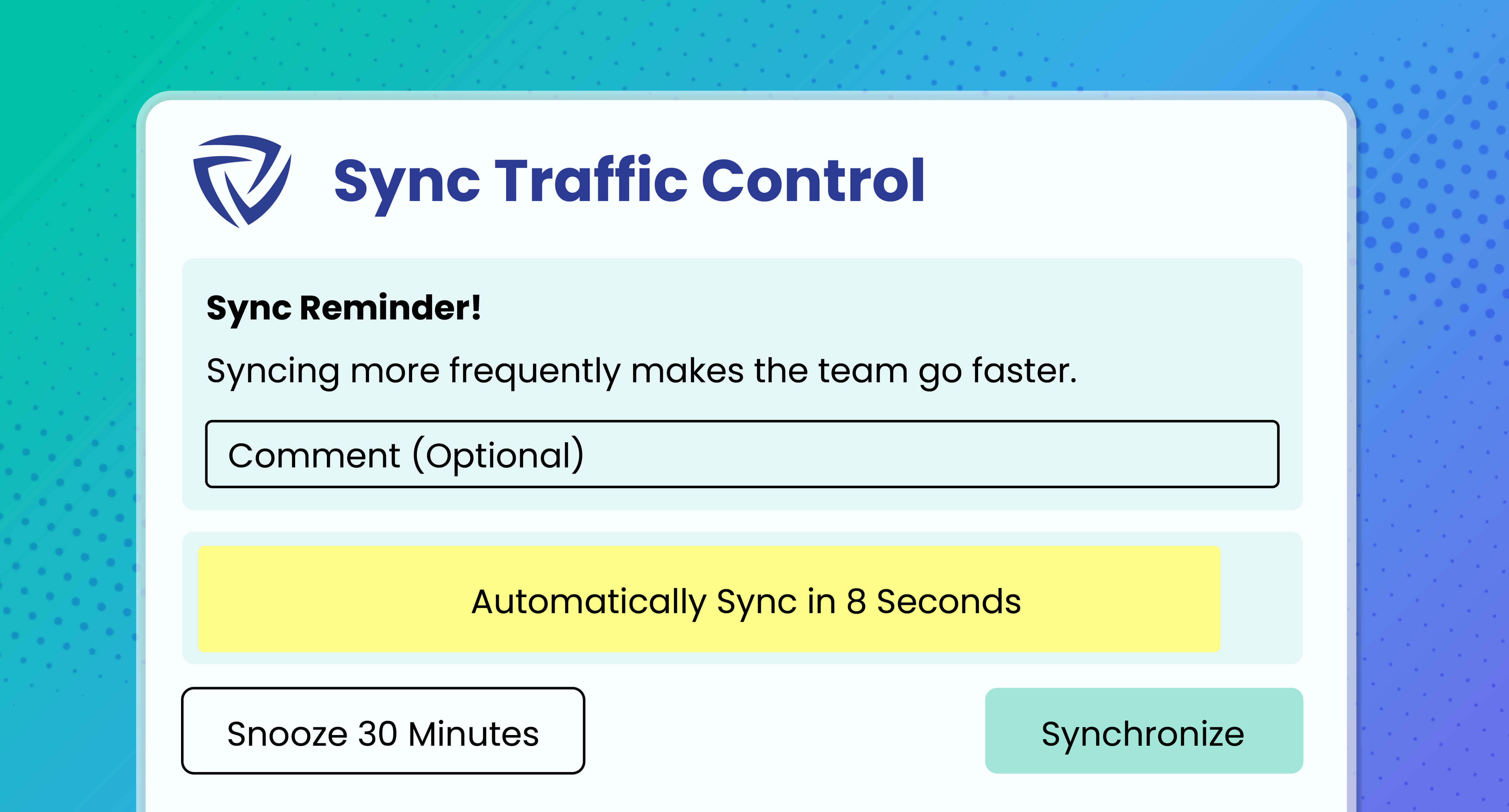
View all active end-users in the model along with their sync activities, and send reminders so that they are syncing regularly.
Dashboard mockup
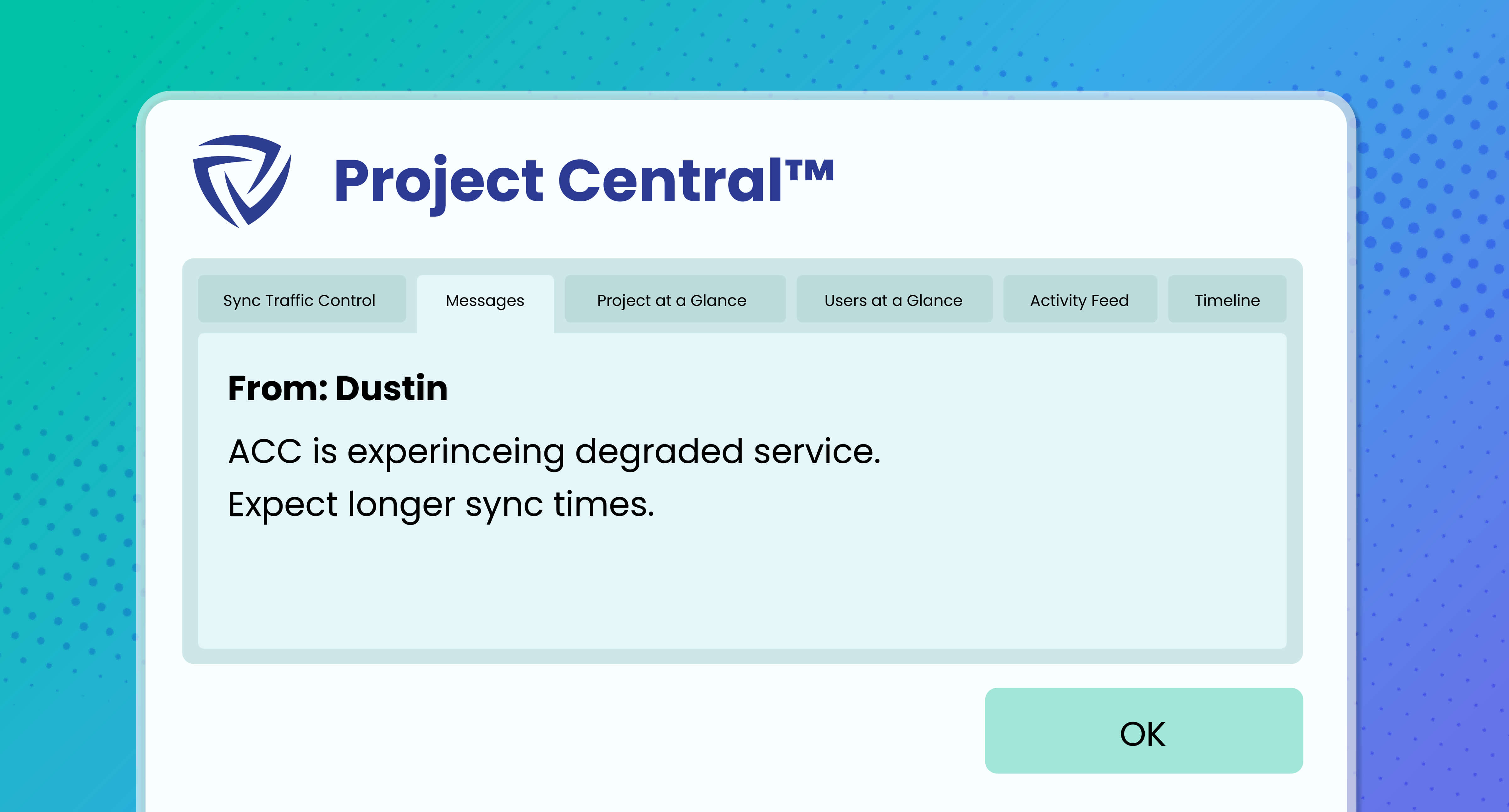
Send messages, directly through Revit, to end-users, project groups, and, if you’re a company admin, to everyone in the firm using Revit.
Dashboard mockup
Track and access elements that users have introduced into the model, and rename those elements to your standards and best practices as needed.
Dashboard mockup
Benefit from valuable end-user data, including the length of their Revit sessions, how they have used Model Properties, how many commands and warnings they’ve triggered, and more.
Dashboard mockup
Access detailed dashboards that show file size, project sessions, time to open, time to sync, and warnings.
Dashboard mockup
View real-time data showing how users are interacting with the model and Guardian’s proactive protections.

As a smaller office, my time as an architect is split between projects and BIM management. Guardian helps tremendously in taking the sins of bad modeling out of my realm of concern. While also ensuring adherence to company standards with the checking and syncing of cloud-based property settings. This gives us a consistent deliverable across projects and cuts down significant QA/QC time. The ROI is well worth it.

Gordon McKenzie headshot
Gordon McKenzie
Project Architect

Once set up, it is an incredibly easy software to maintain with little required input. Guardian has significantly helped us to clean up our models, families and practices. We LOVE it!

John Schupbach
John Schupbach
Architectural Associate

At this point, Guardian is a no-brainer!

Dustin Foth
Dustin Foth
Designer

Frequently Asked Questions

Here are answers to commonly asked questions about Project Central.

Does the model need to be open for me to see this data?
No. Guardian allows you to view real-time data about what’s happening in every project without needing to open the model itself. This makes troubleshooting quick and easy.
Do end-users have access to all this information?
Only if you want them to. As an admin, you can choose which parts (if any) of Project Central are available to design teams within projects. A popular use case we see is granting users insight into Sync Traffic Control™ so that they always can view who’s in the model, who’s syncing, and so on.
Will capturing all this data slow down our projects?
No. Guardian sends small bits of data in real time to a separate thread of the Revit interface. This way, there isn’t any slowdown at startup, while designers work, or during syncing.
Where is the data stored?

Guardian uses Microsoft Azure SQL servers to host the data. To set up the dashboard, all you need to do is download our template and plug in the SQL credentials we provide within your account. No additional complex or infrastructure setup is required.

Additional Resources

Make the Most of Project Central

Unlock the full potential of Guardian for Revit.
Follow the Data: Solving Real Revit Project Problems

Follow the Data: Solving Real Revit Project Problems with Guardian

You know something is off with your model, but you can’t figure out what the problem really is. The data trail can lead you to a solution.
Watch the session
Getting the Most Out of Project Central

Getting the Most Out of Project Central

From our Office Hours series, we walk through the full feature set of Project Central, from monitoring sync traffic to assessing model performance in real time.
Watch the session

Project Central Guide

Dig into the finer details of Project Central’s full capabilities.
Read the article

Start Your Free 30-Day Trial

Discover everything Guardian can do for your firm.

Guardian graphic