
Documented standards and well-meaning end-users aren’t enough to ensure Revit project consistency. In-the-moment protections help prevent projects from going sideways and train users on best practices.
Nothing is more frustrating than a Revit model that went awry because of an accidental deletion or shift of critical elements. Knowing how to protect critical elements can save a lot of time and frustration.

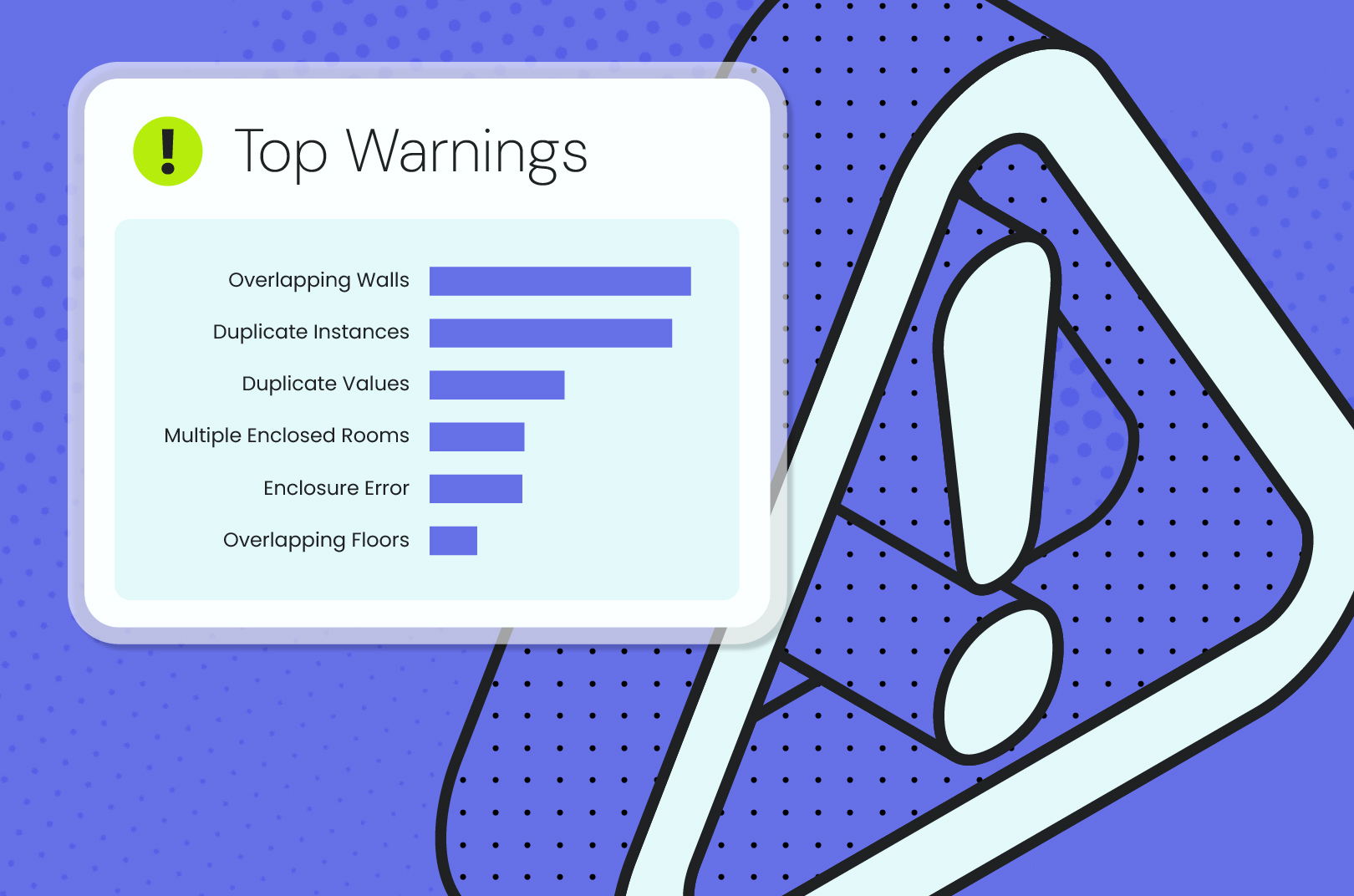
All those Revit warnings that pile up might be more than just noise — they could be a sign of trouble with your model. Managing common Revit warnings improves model health, informs process, protects deadlines, and saves time.
Discover the hidden Revit mistakes wasting your team’s time every week — and how to stop rework before it starts.
