Shift happens.
This not-so-naughty, bumper-sticker-worthy catchphrase (and the name of a video game that has nothing to do with building design) is an unfortunate reality for BIM managers and their teams on Revit projects.
A level is deleted. A view template is edited. A grid is slightly moved. A pinned family is inadvertently changed. These small actions — minor shifts to critical elements — can seem inconsequential in the moment (if users even know they are making an adjustment) but can lead to a rippling effect. And before the water calms, someone might throw another rock into the pond …
Prevention is key to not getting overwhelmed. Start with understanding why critical elements are at such risk in Revit.
What Counts as a ‘Critical Element’ in Revit
Every element in Revit should be considered “critical,” right? Realistically, some elements are more vital than others, which creates priority but also can lull end-users to think something is insignificant when it’s actually important.
With that in mind, here are several critical Revit elements that benefit when firms understand how to lock them in:
- Levels
- Grids
- View templates
- Linked models
- Shared parameters
- Primary sheets and views
Thorough training initiatives would seem to provide deterrence against accidental deletions and other disruptive actions. However, long sessions and gigabytes of digital documentation often feel like cramming — remembered today, forgotten tomorrow.
The Real Cost of Accidental Deletions and Shifts
Accidental deletions, shifts (moving of elements), and miscellaneous adjustments are more than just “Oops!” moments, easily fixed soon after the actions are made. Remember the ripple: The consequences of a miscue spread to other parts of the model, processes, timelines, and overall quality. Some of these initially unseen but later devastating costs include:
- Documentation disruption: Broken dimensions, un-hosted annotations, deleted sheets, and moved views make it difficult for BIM managers to sort out where a mistake was committed and how to easily remedy the situation (if fixing the problem is even possible).
- Coordination breakdowns: When something in Revit goes missing or haywire and someone else tries to solve the problem, aligning with previous users and consultants is anything but efficient. Often, teams, assuming the misalignment was made with good intentions, just live it — and quality inevitably suffers.
- Lost design intent: Similarly, when view templates are modified in the 11th hour, the original design strategy and logic could be lost, which can lead to a range of problems from simple aesthetic inconsistency to real technical issues. And because this modification happens so late in the timeline, collaborating with earlier users may not be feasible — if the problem is discovered at all, or at least when the RFI comes in.
- Recovery time: The best-case scenario is that any accidental and disruptive deletions or shifts are caught and can be adequately remediated. Unfortunately, the best case is still bad because those fixes often require extra time and resources to address. The bottom line suffers, creativity is stifled, and you and your team get stressed out.
Why Native Revit Safeguards Aren’t Enough
For all the impressive functionality Revit offers, it fails with some basic precautions. The safeguards that theoretically should be standard with Revit either are missing or are severely lacking. Among the shortcomings:
- Pins can be removed, and critical elements can be moved or deleted.
- Permissions allow anyone to do anything within the model.
- Warnings are triggered only after actions — not before, and therefore, the disruptive actions aren’t prevented.
In complex Revit environments, small changes that are allowed to happen cascade across the model and affect teams and the workflows they are operating within. With Revit not being dependable to prevent these cascades, firms need a way to protect critical elements against unintentional deletions, shifts, and adjustments.
A Better Approach: Proactive Protection!
A common theme running through this discussion of deletions and shifts is that when these actions happen, they must be remedied. That’s reactive, with a resigned acceptance that these errors will occur and will result in someone needing to fix them.
Ultimately, the best deletions and shifts are the ones that never occur. Yes, that statement is a smidge paradoxical, but you get the point: Prevention is proactive and protects the model (and the happiness of your team) better than any reactive measures can.
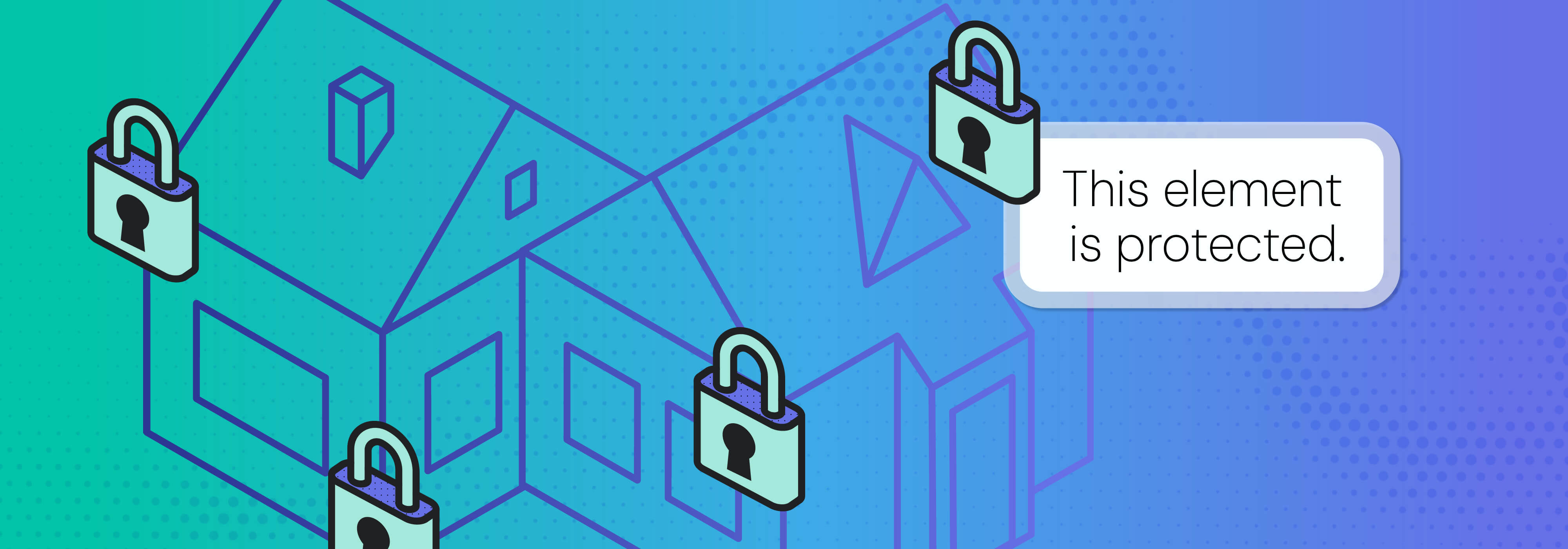
Effective protection, not natively found in Revit but achievable through an add-in such as Guardian for Revit, automatically:
- Prevents deletion of protected elements
- Restricts unauthorized edits
- Protects view templates and filters
- Provides in-the-moment training with guidance that encourages users toward the correct decisions and modeling practices
- Establishes guardrails that keep the model from careening off the path
With software that knows how to lock in critical elements in Revit, your team can focus on producing great work, confident that they won’t be accidentally creating more work or diminishing quality.
Peak Protection with Guardian
Protecting critical elements in Revit from deletion and unwanted adjustments isn’t meant to slow teams down. Effective guardrails reduce friction, eliminate unintended consequences, and preserve crucial datums and completed work.
If you’re not sure how to protect critical elements in Revit, Guardian can help. Our software gives BIM managers versatile options to protect their models from accidental deletions, inadvertent adjustments, and ill-advised shifts. Book a demo to see all the ways Guardian can help your team work more confidently and efficiently in Revit.