Coming soon to a Revit theater near you: Attack of the Duplicate Families!
Perhaps your firm is already familiar with the plot of this picture. Multiple versions of the same Revit family build and build and build. Slight naming differences cause major problems. Frazzled end-users aren’t sure which duplicate family to pick — and often pick wrong.
Duplicate families don’t just clutter your model — they create inconsistency, confusion, and performance issues. But Revit teams can flip the script by finding and fixing duplicate families. And, thanks to Guardian, you don’t need to be an action hero to save the day.
What Counts as a Duplicate Revit Family?
Often, Revit users think of duplicate families simply as files with similar names, differentiated by a pesky numerical suffix that’s generated when a family is imported without its filename being changed. However, duplicates are more than identical filenames — they may also be:
- Families with the same geometry but just different names
- Families with the same purpose but just slight variations
- Families copied across projects
- Families with inconsistent parameters
With these broad definitions, many Revit teams may not even realize how many duplicate families they are dealing with — or how the duplicates are impacting the model.
Why Duplicate Families Happen
Duplicate families are annoyingly inherent to Revit. Most commonly, the platform recognizes something about an incoming family — usually the name, but as shown above, many factors can cause this — that matches an existing family in the project model. But there might be something just different enough to create a duplicate. Examples of these differences include:
- Parameter names or values are different, which is the most typical reason for a duplicate. Often, incoming families have a project-specific parameter added or a project-specific parameter value that is different.
- The incoming family has different family types.
- Slight variations exist in properties and values assigned to family geometry.
- New families in the family model have been updated, with continual refinements, new standards, or new parameters/parameter values.
When similarities or differences are present in an incoming family, Revit becomes almost afraid to overwrite the family or stick with the original family. Instead, it defaults to creating a duplicate, adds a new numerical suffix to the family name, and creates more clutter.
Copying content between projects also causes duplicate families, as well as decentralized content management. Also, if teams do not have much time to devote to ongoing cleanup processes — and with Revit most cleanup is reactive, not proactive — duplicate families can pile up to the point that any sort of maintenance becomes too daunting.
Why Duplicate Families Can Spell Big Trouble
Revit teams may simply accept duplicate families as a fact of life and learn to live with the added work and rework. The problems run deeper, however, than just inconvenience:
- Model performance issues: Large file sizes of duplicate families lead to slower load times, which lead to frustration and reduced productivity.
- User confusion: So many duplicates, all with their own numbered suffixes — which is the correct one to use? End-users sometimes don’t know, and when they guess wrong, it can set the project back.
- Inconsistent schedules: When shared parameters are inconsistent, outputs vary because families don’t contain the correct parameters.
- Inconsistent graphical output: Something as simple and common as insert views from another project bring in many “View”-related Revit families, further harming consistency.
- Harder standards enforcement: Multiple duplicate families lead to multiple sources of “truth.” They all can’t be right, and communicating and enforcing standards when users aren’t sure what the standards are is difficult, to say the least.
How to Use Guardian to Find and Fix Duplicate Families
If Revit teams could easily fix runaway duplicate families, most would jump at the chance. Unfortunately, finding those families — and determining which one to keep as the source of truth — isn’t easy, nor is purging all the duplicates. Needle, meet haystack …
Guardian for Revit can handle all the hard work that teams don’t have the time, expertise, or sanity to tackle themselves. Our platform also prevents duplicate families from spiraling out of control in the first place. Plus, the software makes the assumption on what is the source of truth that Revit is so hesitant to do.
Here is a deeper look at how Guardian achieves these much-needed benefits:
True Duplicates
Perhaps the simplest use case gets the simplest solution with Guardian. If a family is being brought into the model with the same filename as an existing family — a “true” duplicate — the platform automatically merges the incoming family with the one already in the model. This overrides Revit’s tendency to keep both.
Near Duplicates
An incoming family might be similarly named as an existing family but not identical, and many parameters are shared — enough that it in a perfect world, it would be merged. Revit may give it a suffix, or it may let both coexist, but the result is still the same: The family is duplicated.
Guardian refuses to settle for the duplicate. It highlights inconsistencies, naming variations, and redundant content. Moreover, our auto-mapping feature provides administrators a way to use Model Properties to map the same family with differing names and/or families that can’t be auto-merged. This puts BIM managers in control of how they want to map families instead of having Revit blindly make duplicates.
That said, we’ve built safeguards into Guardian to ensure the active model is the source of truth — any incoming “duplicate” family wouldn’t be auto-mapped over it. This might happen if, for example:
- There are more family types in the incoming family than the family within the active model.
- Alignment exists in family type names but the parameter values assigned to those in family types differ. Guardian will create a duplicate with a numerical suffix, which an admin can figure out later.
- A different number of extrusions or elements are within the family.
Basically, if something is way off between the incoming and existing family, Guardian won’t do anything that could cause more harm. Admins can then use Model Properties to handle mapping and strengthen the source of truth.
Assessing the Duplicates
Duplicate families that aren’t clogging up the works can range from necessary evil to actually useful. The key is understanding where and how duplicates are used — and Guardian can provide the intelligence that otherwise is difficult to glean from Revit.
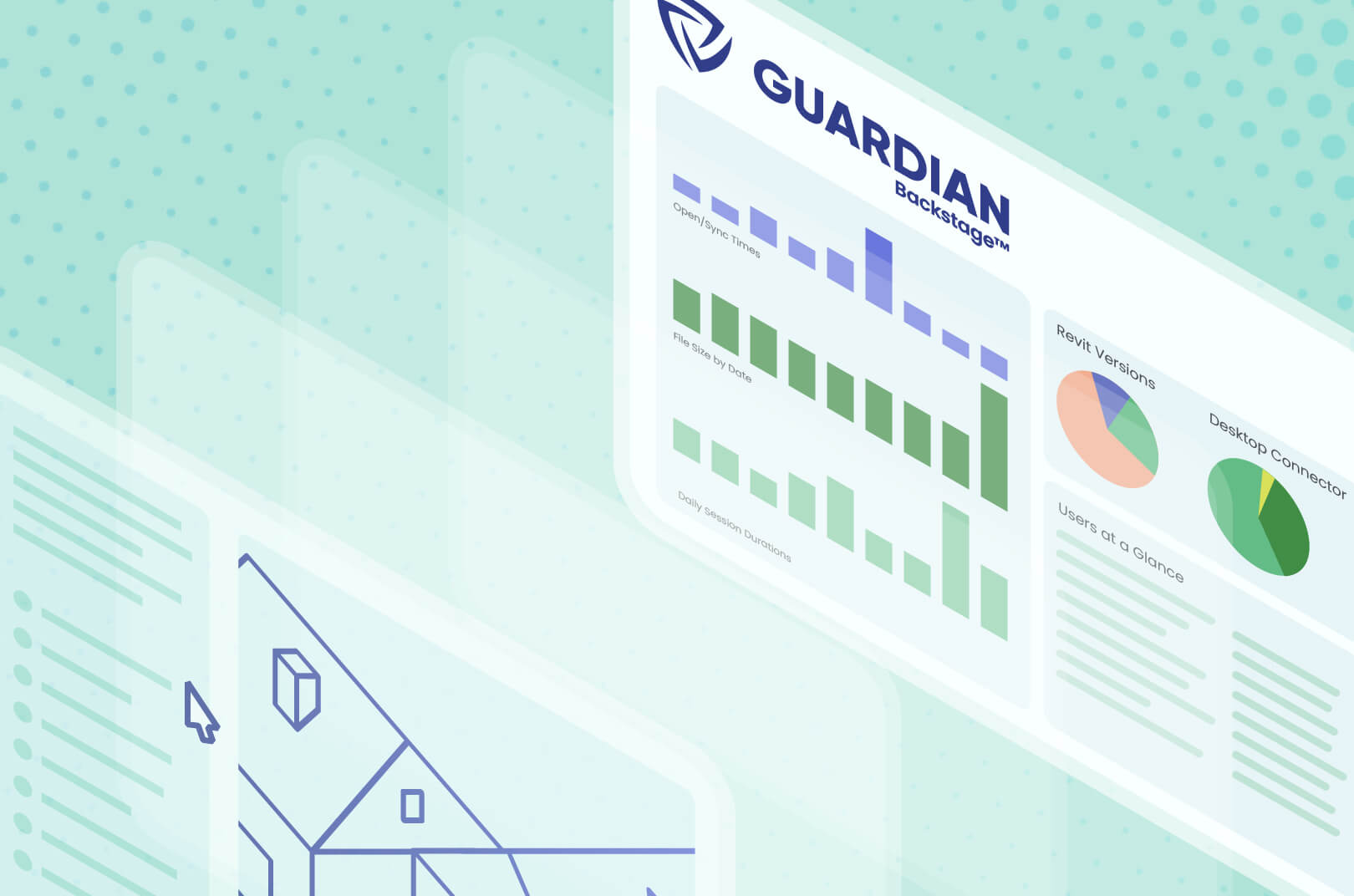
With our Project Central™ and Guardian Backstage™ features, you enjoy visibility into where families are used, how frequently they appear, and which versions are most common. From this information, you can decide:
- Which families should become the standard
- Which duplicates you should consolidate
- Which duplicates you want to keep when different variations are warranted
This is just one of several ways Guardian gives you unparalleled command over duplicate families instead of being overwhelmed by them.
Standardizing Family Naming Parameters
Guardian’s powerful mapping capabilities allow BIM managers to automatically standardize many Revit functions, including the naming parameters that lead to runaway duplicate families.
You can set mapping rules to map an old standard to a new standard so that anytime Guardian sees an outdated standard, it is instantly converted to your new one. This comes in handy, for example, with a new naming convention for a family or family type — shared parameters, such as new names, GUIDs, and/or values assigned, are updated.
Guardian’s mapping rules not only normalize naming conventions but also align parameter values and eliminate variations. Consider this example: Families named door-single, door-1, and door_1 standardize automatically to one filename, giving end-users clarity and preventing them from wondering which is the correct family. Ultimately, inconsistency is removed at scale, and new duplicates are prevented from forming.
Continuous Monitoring
One obstacle (of many) with manually trying to manage duplicate families is repeating your efforts again and again. All that work, but duplicates keep coming back, and it’s easy to forget what you’ve done.
Guardian lifts this burden by remembering all the mappings that have been established and applying them to future projects. The software will flag duplicate families and naming inconsistencies so that you aren’t starting from scratch with each project. In this way, firms proactively manage duplicate families instead of reactively fixing the messes they create.
And perhaps most impressively, Guardian doesn’t require complex setup to manage duplicate families. Simply turning it on is enough for the software to get rid of all duplicates polluting your projects.
Cleanup vs. Continuous Control
Uncontrolled duplicate families require periodic cleanup, must be manually detected and resolved, and often return with the next project. Guardian’s continuous monitoring and automated standardization allows you to gain control of the duplicates and increase consistency across projects. Besides conserving time and resources, our software empowers your teams to maximize their quality and creativity in Revit. With Guardian, you're the superhero saving the day!
Book a demo so that we can show you how Guardian can help you identify, standardize, and prevent duplicate Revit families.