Eye rolls. Fake enthusiasm. Righteous annoyance. General indifference.
The prospect of some sort of formal training brings these reactions and more out of employees. This lack of enthusiasm isn’t unique to AEC firms — across industries, workers resist, if not dread, training. A 2024 survey discovered that 46% of employees find training boring, and 37% think it’s unengaging.
What’s worse, companies often think their training is working. Another survey found that 77% of employers believe their training is effective, but only 58% of employees think so. And that might not even account for the boring lunch-and-learns, the one-size-fits-all training that barely teaches anything new to participants, and the other “scheduled” strategies that firms default to in the absence of real data-based training. And let’s be honest, the ones who show up for the training don’t necessarily need it, and those who do need it don’t attend or pay attention.
For Revit teams, we’re not dismissing the value of continuous improvement and employee development. But end-users also require, perhaps more urgently, training that makes them more efficient with the software and less likely to make mistakes that set back the project. In other words, which users need support, and with what?
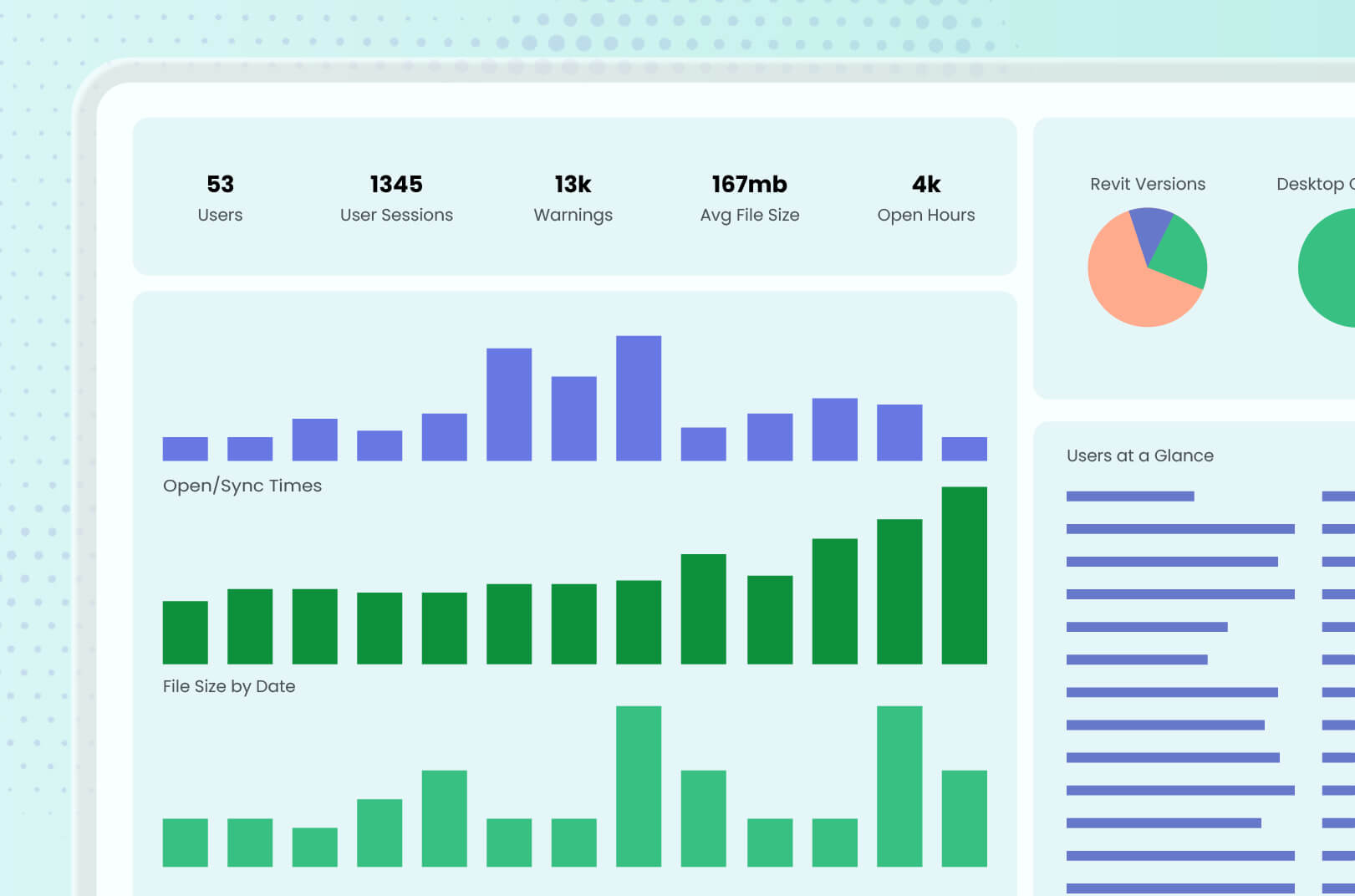
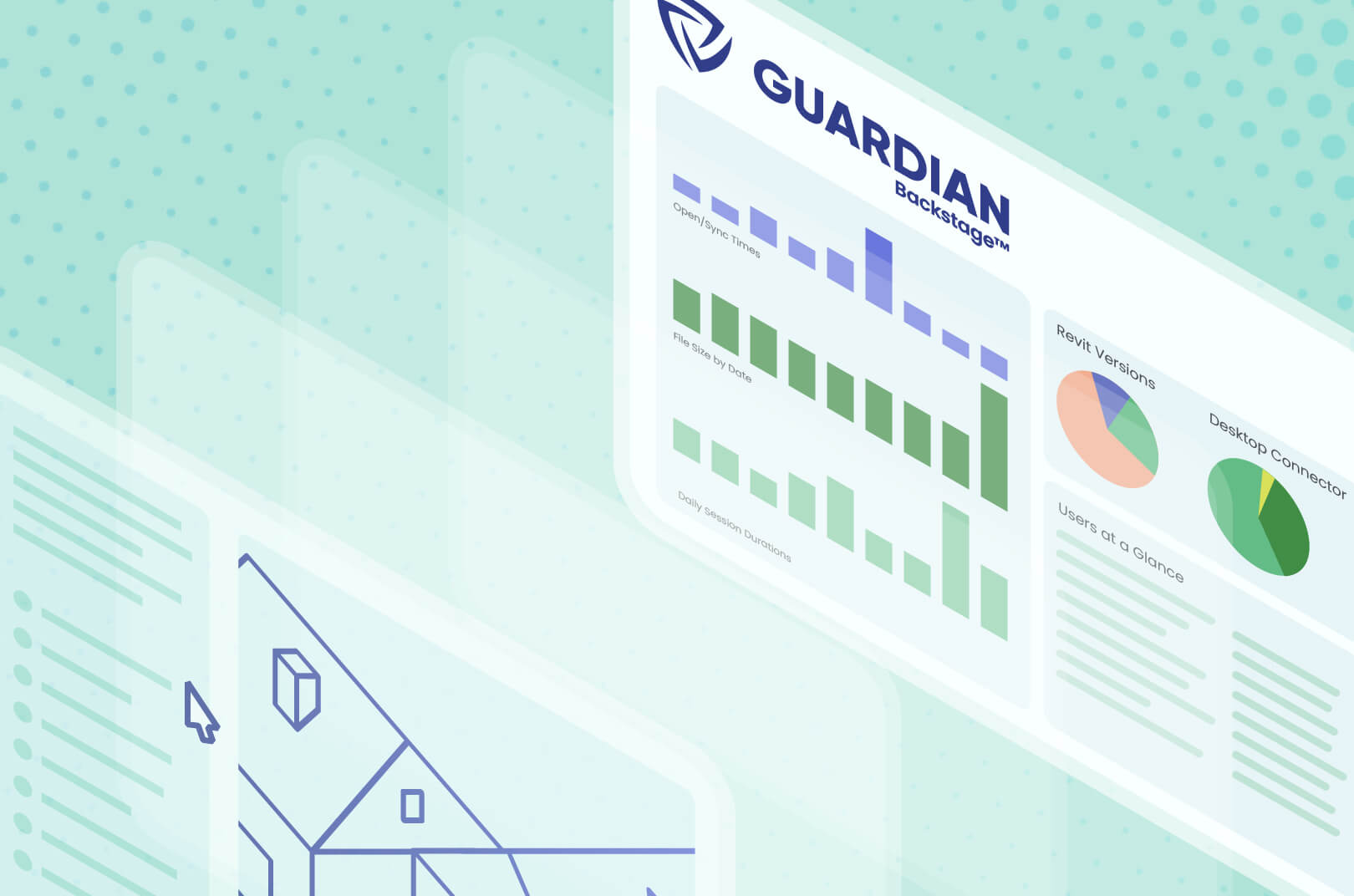
User activity data transforms training from a best guess to targeted Revit support. Guardian can deliver that data — when you know what to look for.
What the Data Actually Shows You
Revit is notoriously stingy in making model, project, and model activity data easily accessible at scale. Guardian achieves what Revit struggles with: providing comprehensive metrics that show what’s really happening in the model — and what’s really happening with the users working within the model.
What Guardian reveals about model performance also says something about how users are affecting it. The path between the two shows you the opportunities for targeted Revit training.
Practically, ask yourself this question: Are your end-users trying unsuccessfully to execute the same Revit commands, or execute commands that are causing problems down the line? That’s the clearest direct signal of a skills gap individually or throughout your whole team. Guardian accesses this command data to show you which basic processes might be broken — or at least are inefficient.
For instance, the same risky command appearing among several new hires signals a broader issue, not an individual skills gap. The data points to an onboarding issue — the new users somehow picked up the same action that wasn’t a best practice. A performance conversation isn’t the answer, because the new hires likely weren’t conspiring to do something incorrectly. Training fixes the problem with the wayward end-users after the fact as well as during onboarding so the command issue doesn’t happen again.
Along the same lines, improper use of Revit commands centered around certain projects and/or offices might suggest a disconnect in communication: A team failed to receive or misinterpreted an instruction, or maybe a user thought something was OK, told other coworkers, and they all started misusing the command. Another possibility is a team or office couldn’t access training, perhaps because they just didn’t have time to do so (and when deadlines loom and the model is slowing you down, time is at such a premium). Or the “U word" — utilization — is preventing users from doing the training that can help improve their utilization numbers. With Guardian, BIM managers can better see the communication hiccups.
Maybe best practices are established and communicated but aren’t being followed — for example, who is using approved workflows and content versus who is working around them. The data offers a way to separate a training problem from a standards-enforcement problem so that BIM managers can plan next steps.
From Data to a Targeted Revit Training Plan
Detailed data is nice, but what you do with it provides the real impact. Targeted Revit training overcomes the shortcomings of “traditional” training options by delivering the knowledge and best practices that end-users need, when they need it.
Data-driven training can be summed up by a simple triage:
- Individual coaching: One user, one gap
- Team/office training: A pattern across several users
- Template/onboarding fixes: A pattern across every new hire, regardless of team or office
So, if a single user is not following best practices, the BIM manager can step in to offer guidance. If everyone on a team keeps trying risky commands, setting aside an hour to discuss might be the best plan. If newbies are deviating from standards, you can adjust how they are being initially trained.
And with Guardian’s Project Central™ insights, you can see this data in real time and provide instant training, even if it’s just a quick reminder. Sometimes, the fastest path to a healthier project is training the people working within it — and not constantly policing the model.
Data for Training and Beyond
Good Revit data that leads to targeted training allows BIM teams to be proactive in keeping the model healthy instead of always addressing mistakes. That same data offers so much more, including evidence for budget, headcount, and even utilization conversations that strengthen teams and improve results.
Interested in seeing all the data Guardian can pull from Revit? Schedule a demo and let us show you the capabilities of our add-in.