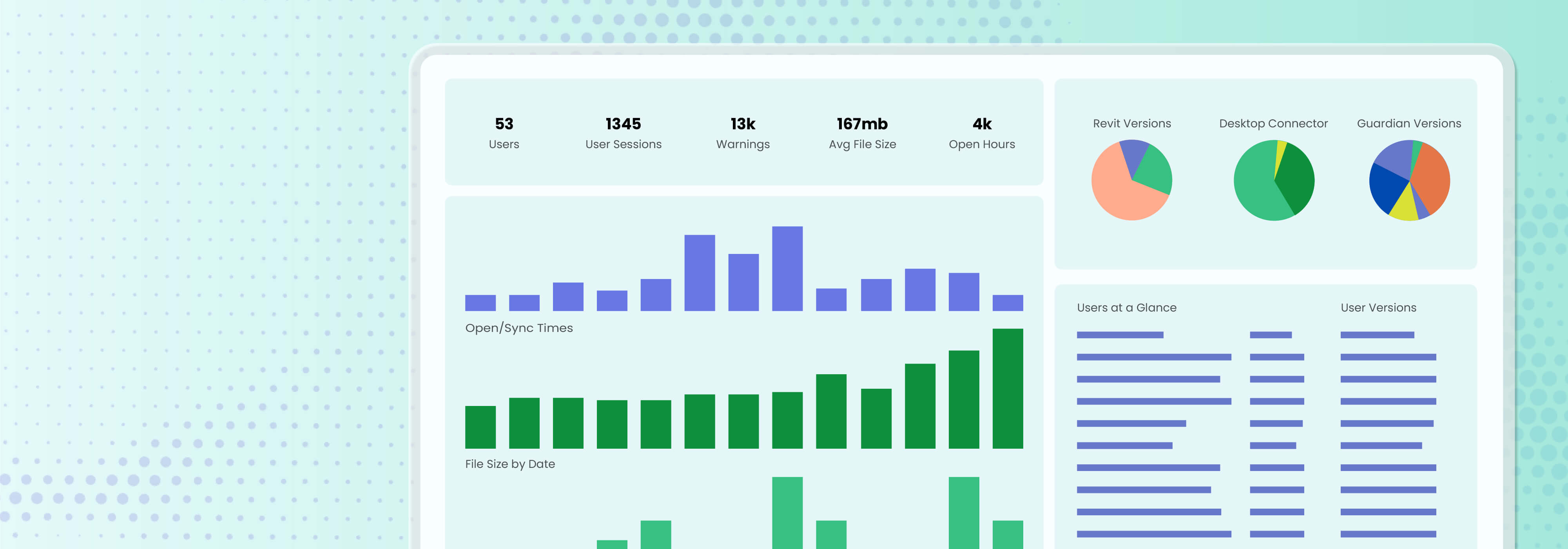
With Guardian for Revit, you know the metrics that are important. You know how to see the data firm-wide. And you can break down that data by project.
It’s showtime!
Our dashboards for Guardian Backstage™, Registered Projects, and Project Central™ look great and help firms enjoy unparalleled visibility into their Revit models. But aesthetics and ease of use aren’t the true beauty of our dashboards — it’s the data-driven Revit decisions you can make with all that visibility.
What follows are five questions that Revit project data, surfaced by Guardian, can answer about BIM project risk indicators, resources, strategy, and more.
1. Which users need support, and with what?
Your Revit end-users are likely skilled architects and designers, but they may struggle with standards and Revit best practices, which can lead to model bloat, hours of QC, redlines and rework later. Guardian’s project insights let you pinpoint these users with gentle reminders within Revit, as well as make them easily identifiable for further training.
Which data answers this question: User activity and risky command data; can be found with Commands-All and Commands-Detail tabs in Guardian Backstage, and in Project Central’s activity feed.
Decisions this question drives: Targeted training instead of a one-size-fits-all approach that might benefit some end-users but might hold no value for others.
2. Which projects are at risk right now?
If problems exist within a project — increasing file size, long sync times, slow open times, increased warnings, and so on — Revit isn’t particularly helpful in telling you in real time. Issues usually are discovered only later when deadlines are at risk, remediation requires hours, and frazzled BIM teams are forced to scramble.
Which data answers this question: Model performance and project risk signals; can be found with the Projects tab in Backstage to see file size, warnings, average time to open and sync; and with file size indicators in Registered Projects.
Decisions this question drives: Triage priority, assessed with real data instead of just gut feelings.
3. Where is rework actually coming from?
When reactive rework is required, figuring out what may be fundamentally causing issues can be tricky in Revit. The same problems keep happening over and over, and BIM teams struggle to be proactive in preventing risk before they’re forced to mitigate it.
Which data answers this question: Warning trends and standards drift; can be found with the Warnings All, Warnings Detail, and Family Loading tabs in Backstage.
Decisions this question drives: Root cause within Revit — instead of simply assigning blame to end-users.
4. Is a standard worth enforcing, automating, or retiring?
Not all Revit standards carry the same weight (metaphorically and literally). Some are hills BIM managers need to die on, and others don’t matter much in affecting project quality and overall model performance. Unfortunately, distinguishing between the two extremes — and standards that fall in the middle — can become a guessing game, with wrong guesses risking overprioritizing or underprioritizing standards that need more or less attention.
Which data answers this question: Drift pattern frequency across projects.
Decisions this question drives: Assessments of standards, grounded in measured evidence.
5. Can you justify the next budget or headcount ask?
You need more resources — you know it, your team knows it, and even your teammates in leadership may know it. Within the tight budgets that firms might be operating under, asking for more without any real data backing the request often doesn’t sway decision-makers toward providing what you need. Or, the downtime waiting for models to load, sync, and just process unnecessarily wastes project budget, impacting headcount.
Which data answers this question: Syncs and Sessions tabs, which provide detail information of how active users are in models in Backstage.
Decisions this question drives: Evidence-backed budget and headcount cases to firm leadership.
Data-Driven Revit Decisions Delivering Real Insights
These five questions share something in common that’s important to remember: They aren’t answered with a single, once-in-a-moment metric. Instead, multiple metrics build a case for you by being read over time, compared, and/or drilled into, thus leading to a true strategic decision. Guardian Backstage, Registered Projects, and Project Central excel in giving you data that tells the whole story.
Just as important, all five of these questions pull from leading indicators — metrics that show, in real time, what can be done before an issue escalates into something requiring more remediation. A proactive decision then happens before a cost shows up. And though the lagging indicators are vital to fix problems before they become catastrophes, preventing those problems in the first place is a more effective long-term strategy.
These are only five questions of many that can lead to data-driven Revit decisions. To see the wide-ranging visibility our dashboards offer, book a demo and let us guide you through all the data available to you.