Budgets at AEC firms are tight. The current economy is, well, weird. Firm leadership tends to be practical.
But Digital Practice leaders know what they need in terms of headcount, software, and resources. So, when their requests for additional spend and staffing are denied, underfunded, or deprioritized, it stings. Can’t leadership see what you see with your team, workloads, and deadline pressures?
Often, leadership views your requests as opinion instead of evidence, or as optional “nice-to-haves” instead of urgent needs. And they might not understand the efficiency debt — small delays in the Revit model that add up over time — that BIM managers and production staff deal with, dismissing it, at best, as “the cost of doing business,” or at worst, as a nonexistent concern. You see the lost efficiencies, the lost profits, as if the money is flying out the window without anyone worrying about closing it.
If you need more resources, ask yourself: Can you justify the next budget or headcount ask? And can you show BIM software ROI? Your experience and day-to-day observations are important but often overlooked. However, strong data is difficult to dispute.
Fortunately, the same data you use to drive training and project decisions can help you win these conversations and get your budget requests approved. Those same metrics can later confirm to leadership that their approval was the right move.
Turning Data into a Business Case
For the longest time, gathering any useful activity data from Revit — much less showing a concrete BIM software ROI — was difficult. The data existed, but Revit didn’t make it easy to gather, view, and distribute.
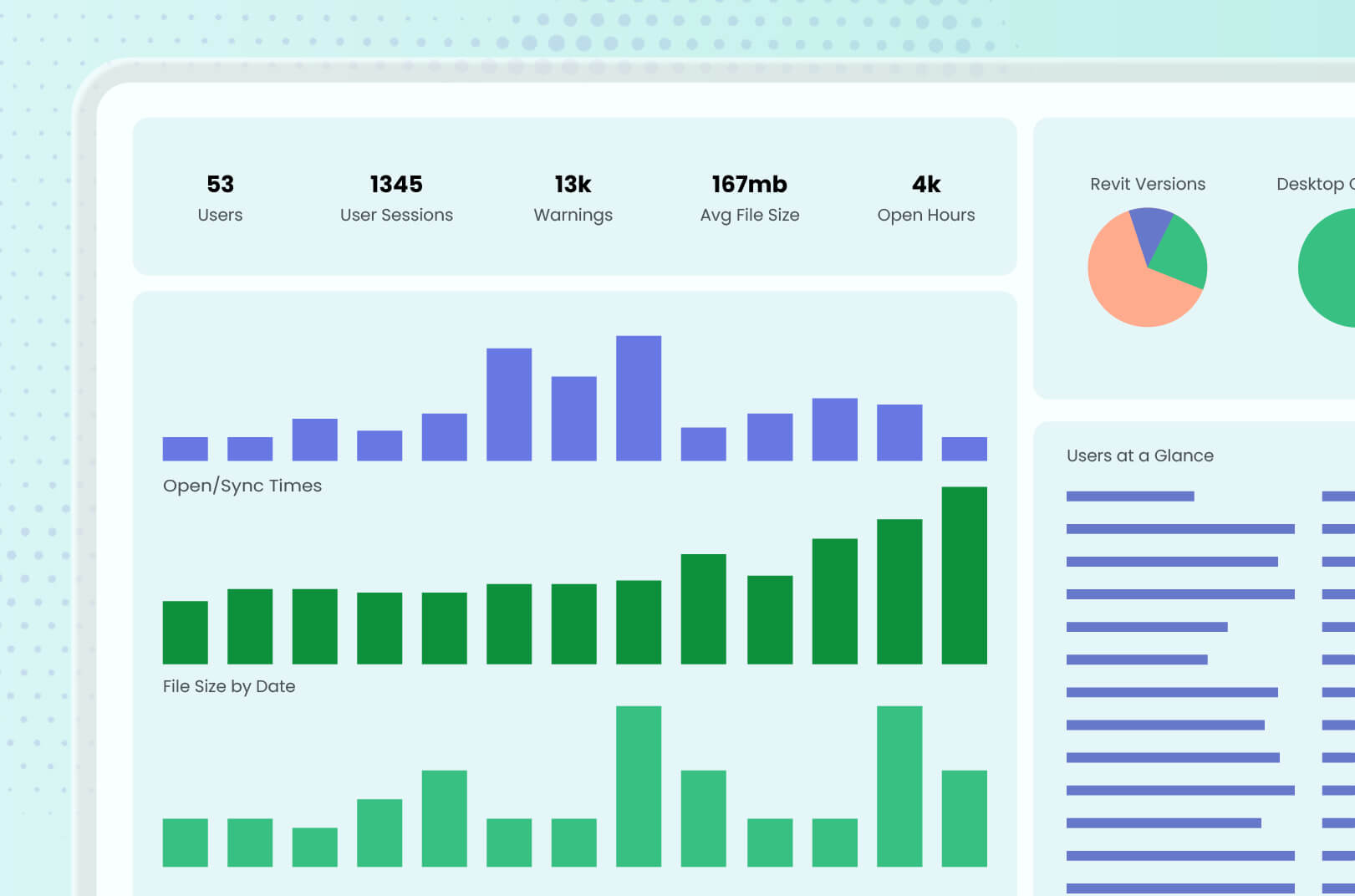
The Guardian add-in changed the game for BIM teams, pulling in Revit activity data from all corners of the model, presenting it in customizable dashboards, and providing actionable intelligence to shape operational and training strategies. Digital Practice leaders and BIM managers had much more information in their hands to guide day-to-day processes and offer targeted support to their teams.
Of course, BIM leaders are tasked with more than just the day-to-day, and with Guardian, they finally could use data to allocate resources, make staffing cases, and plan for the long term. They could see the bottlenecks and stressors that would be fixed with more headcount. They could assess end-user activity and ask to devote more time to training. And they could define the ROI gained from the BIM software and use that to bolster their resource requests.
Here are some ways to turn Revit activity data into a true business case that impresses leadership:
- Software/tooling spend: The numbers can identify adoption trends and time-saved signals (e.g., end-users are attempting fewer risky commands, issues are resolved faster) as an ROI argument. End-users aren’t getting bogged down with problems they cause (often inadvertently), and resources saved can be approved by leadership to be used for other BIM needs.
- Model performance: File size growth and sync trends can be tracked over time as leading evidence of a capacity problem — maybe necessitating additional headcount — before it turns into a productivity crisis. Improving both can noticeably reduce project hours and justify the spend on technology resources.
- Syncing stats: Proper syncing leads to reduced lost work and fewer model crashes and corruptions. This disproves the “cost of doing business in Revit” idea that leadership often blindly accepts.
- Version information: Properly updated and aligned Revit and Autodesk Desktop Connector versions help ensure work isn’t lost and hours aren’t wasted. This can convince leadership that the budget being allotted for new hardware, for example, isn’t necessary and can be diverted to more pressing BIM needs.
- Headcount: Guardian tracks workload and activity data, which can show which hidden power-users are carrying a disproportionate load — often out of necessity because if they don’t, the project falls behind and deadlines are at risk.
What you’ll discover when you use data to justify spend and staffing is that the numbers not only show the gaps that you’re hoping to address, but also the strengths of your team’s performance. That connects the dots for leadership: Here’s what we are doing well, and here’s what the data supports that can make us even better.
Be a Budget Champion
You don’t want leadership to just “sympathize” with you, because that risks a response of “We hear you, but sorry, we don’t think we will be able to help” to your resource request. With great data, your reasonable spend and headcount proposals become difficult to ignore. You can show the benefit to the firm and become allies with leadership to boost the bottom line.
Additionally, you can make an even stronger case by translating BIM metrics to the terms that other parts of the firm already use to get budget approved. Vocabulary such as risk avoided, hours saved, and change management matches finance and utilization reporting already in use and resonates with decision-makers. In this way, BIM management is “growing up” in leadership’s eyes and further transforming from reactive to proactive.
It all starts with the data, and Guardian delivers it like no other Revit add-in. Schedule a demo and let us show you all the metrics available to you and your firm.