Firms with multiple offices, around the region, the country, or the world, often benefit from their distribution of expertise and versatility. Collective experience among each location is an organizational strength, driving quality, improving outcomes, and attracting more business and bigger projects.
Unfortunately, that strength wilts when multi-office firms attempt something as seemingly straightforward as scaling Revit standards. Firm leadership and BIM managers wring their hands, wondering, “Why can’t we figure this out?”
The problem likely isn’t with your standards. The issue is that distance and local norms make those standards hard to stick. The way one office works may not be how another works. And when offices collaborate on a project, standards may clash, slowing processes down and potentially affecting quality, timelines, and the spirit of cooperation.
However, the distance doesn’t need to be a gap. Firms can find success with Revit standards that benefit everyone — including your clients.
Why Multi-Office Scaling of Revit Standards Fails
In theory, an easy solution to differing Revit standards should be as simple as a senior-level BIM leader saying, “Here are the standards for all offices to follow, please.” Unfortunately, the struggle goes deeper and rarely is a problem of BIM professionals being defiant. Consider the following roadblocks:
Office Specifics Calcify over Time
A non-centralized approach to scaling Revit standards inevitably leads to offices developing their own. And once those standards become an office’s best practice, shaking loose of them becomes difficult because users are too accustomed to doing things that way. This becomes even more rigid as offices work with repeat local clients — and, often, those offices know which standards are locally important and necessary (e.g., building codes, regional methods).
Moreover, individual offices naturally tend to think they are unique. This isn’t all ego and pride — the employees of those offices are more focused on the differences of their projects instead of whether standards align with the overall firm. Typically, these differences are on the margin, far enough away for the broader firm to notice, but nonetheless impactful.
Local Teams, Instant Decisions
When a Revit standards issue arises in an individual office, the search for an answer might not leave that office, even in this age of text messaging and Slack. Instead, users make their own judgments or rely on BIM leads and technical and quality leadership to fill those gaps. That’s completely understandable — end-users will naturally have more familiarity and trust with their close coworkers rather than someone thousands of miles away — but it doesn’t help scale Revit standards across the firm.
Many Templates, Many Families
Revit naturally struggles to identify, sort, and manage diverging templates and families, which often occurs without anyone noticing. The problem gets compounded when templates and families are being introduced and then conflicting across various offices.
Lack of Centralized Support Around Standards
Some firms and their offices may not have a centralized BIM/Digital Practice team or local BIM support to disseminate and enforce standards. Also, there might not be any centralized technical or quality teams to organize the facilitation of a company standard. As a result, there is no guidance or decision-makers for users — at the company level or the local office — to turn to when a standards issue arises.
Control vs. Autonomy: Where Should the Line Be Drawn?
Users at one office approach standards one way, the users at another approach standards their own way, and both may differ from what company BIM leadership wants. Tensions arise, and time is wasted not only trying to reconcile differences in standards but also navigating the resulting collaboration challenges.
Although communication and compromise are important, the line must be drawn somewhere to drive everyone toward consistency. Some firm-wide Revit non-negotiables should include:
- Templates
- Families
- Naming (which doesn’t mean local naming variations can’t exist)
- Shared parameters
- Line patterns, line styles, fill patterns, and filled regions
- Text dimensions and styles
After the non-negotiable standards are defined, look at which standards can reasonably vary by office or project type. Local preferences sometimes aren’t preferences — they are necessary to deliver projects to the client’s satisfaction. The challenge lies in documenting those differences so that firm standards don’t drift into chaos.
A Common Starting Point
The AIA National CAD Standards (NCS) offer a common starting point for firms looking to establish Revit standards across their offices. The NCS can be a guide to address the technical and graphical commonality among various regions and clients.
That said, the NCS shouldn’t be used as an absolute. Deviation from the standards is OK, allowing firms to maintain the “look and feel” of their graphical quality by, for example, simply using a specific font.
A Source of Truth — Here and Now
To overcome differing Revit standards bouncing in from all angles, multi-office firms must establish a source of truth that:
- Centralizes standards and best practices
- Delivers that knowledge in the moment that end-users need it
In this way, users can not only access firm-wide standards but also rely on Revit to protect those standards as well. The in-the-moment aspect ensures that users aren’t guessing or deciding to update later — they immediately know the standard or best practice to apply, thus saving time and increasing quality throughout the process.
Guardian gives firms a means to build a source of truth that makes Revit and its end-users smarter. It does so with these features:
- Guardian Sync Properties™
- Guardian Model Properties
- Load Family Protections
- Family Protections
- Family Type Protections
- View Template Protections (if the firm is standardized to that level)
- View Filter Protections (if the firm is standardized to that level
Build a Network, not a Standards Police Force
Standards enforcement can imply a “Do this or else!” mentality that rarely serves the firm well but could inflame the challenges offices face when trying to collaborate with each other. Office-level BIM leads should be champions, not police. And champions, as most superhero movies will tell you, unite instead of divide.
Again, collaboration goes a long way toward intelligently and effectively scaling Revit standards. Bring in both corporate leadership and local technical and quality leadership to work toward standards and best practices that create uniformity while also containing the flexibility required for local projects.
With Guardian, firms validate standards without ever making users feel like someone is looking over their shoulders. Standards are applied, and the platform guides people toward the correct decisions while protecting the model.
Part of this collaboration strategy should include a way to inform end-users when a standard is adopted, updated, or removed. Guardian Messages offer a way to engage in this communication directly through Revit. Beyond delivering key information, this approach engages users, encouraging them to be part of the process instead of just following orders.
Is It Working?
Scaling Revit standards across offices can be daunting if you can’t measure the initiative’s success. Unfortunately, signs that it’s not working are usually easier to identify — conflicting standards continue to make it to QA, updates are being ignored, and projects require more cleanup time.
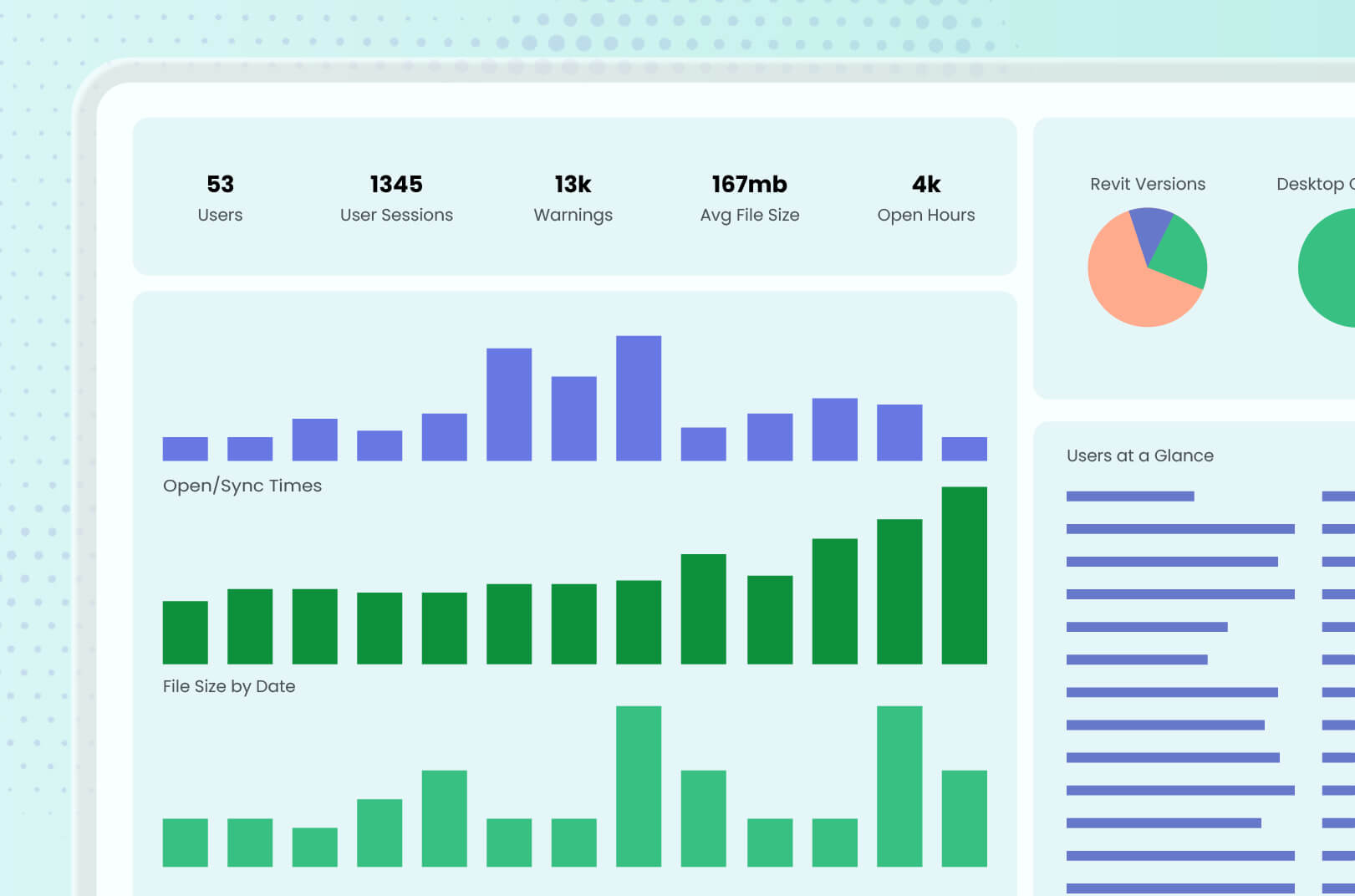
Of course, when a multi-office standards strategy is clicking, those signs of trouble are less frequent. Guardian Backstage™ and Project Central™ give BIM leaders a way to look at the model data to find inconsistencies across projects and across the firm. For example, are certain alerts coming up more often than others for users? Guardian can report that data, allowing leadership to adjust strategy, whether that means changing the standard, modifying the best practice, or improving communication with users.
Communicate, Coordinate, and Conquer
At first glance, sensibly scaling Revit standards appears to be primarily a technology problem: Revit is letting competing standards exist and multiply, and firms with multiple offices are left to salvage the resulting messes.
Guardian solves this technology struggle by making standards work as prescribed and protecting the model. What’s left is better communication and collaboration across offices, which Guardian can also help with. Firms that figure that out treat standards like a product they are maintaining instead of a document they publish once and forget it. The effort is continual, robust, and benefits from everyone contributing.
With Guardian, working in Revit becomes much more efficient for everyone at the firm. Book a demo to see everything our platform has to offer to all your teams.